
Our Larry Cafiero takes a look at Solus and its homegrown desktop Budgie, and discovers why it’s one of the most popular scratch-built distros.
The FOSS Force Distro of the Week — Solus 4.8
One of the perks of this job is that it makes me feel, in a sense, like a jet-setter. Last week, I was in Turkey writing about Pardus. This week, I’ve packed my bags and crossed Europe to Ireland to review this week’s Distro of the Week, Solus 4.8.
Originally called Evolve OS, Solus is a from-scratch distro with its own repositories and tooling, aimed squarely at personal computing. It emphasizes desktop usability with its flagship distro based on the Budgie desktop environment. The package management is handled by eopkg, which is a fork of Pardus’ PiSi system, backed by Solus’ own curated repositories rather than a larger multi-distro ecosystem.
While this review concentrates on the Budgie desktop environment, Solus also comes with the GNOME, MATE, and KDE Plasma desktop environments.
Installing Solus 4.8
Codenamed “Opportunity” — “for all the new opportunities that are open to us,” according to the release notes — the distro’s ISO is 3.7 GB, which is about average. For this release, the distro has moved from Python 2 to Python 3, which makes the Python 2-based Solus Software Center obsolete. For the time being, it’s been replaced with GNOME Software or KDE Discover, depending on which version you download.
The installer for Solus 4.8, adapted from Calamares, is very straightforward. It is a user-friendly graphical interface designed to simplify the installation process and allows users to install Solus on their computers with no difficulty.

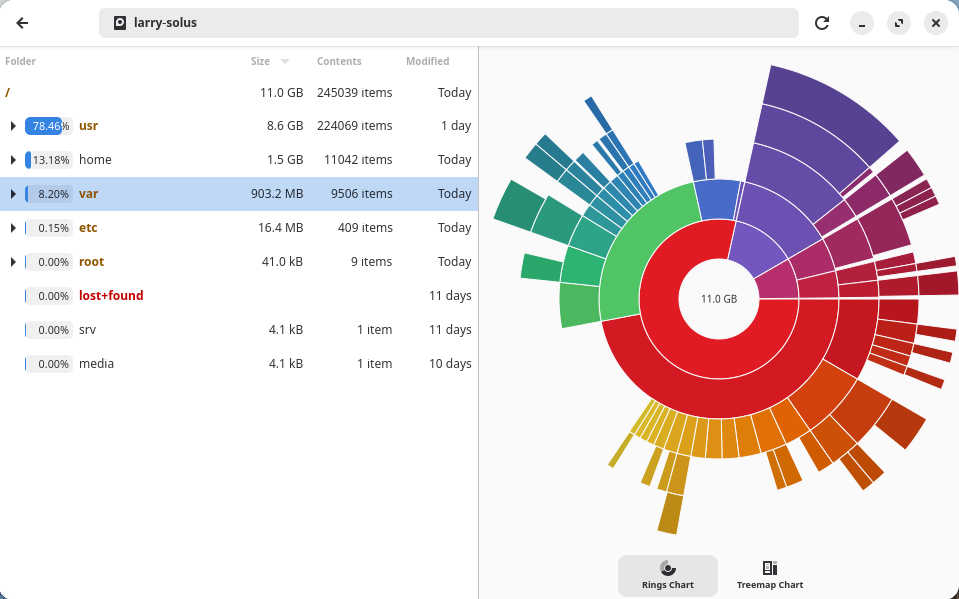
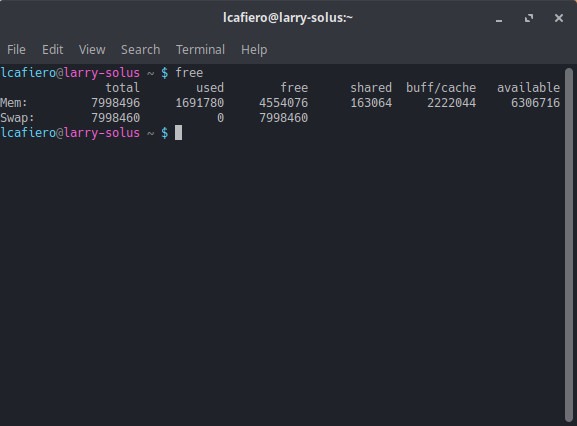
The minimum system requirements are as follows: 10 GB of free disk space, although 25 GB of free disk space is recommended; and 4 GB of RAM, although 8 GB or more is suggested. There is no 32-bit version available, and a 64-bit processor is the minimum, although Solus recommends an x86_64-v2 2 GHz quad core.
Once the distro is installed, you can run a couple of update commands in the Terminal – namely sudo eopkg update-repo and sudo eopkg upgrade – or you can skip that and use Discover on the Budgie version, and you’re ready to go.
Running Solus 4.8
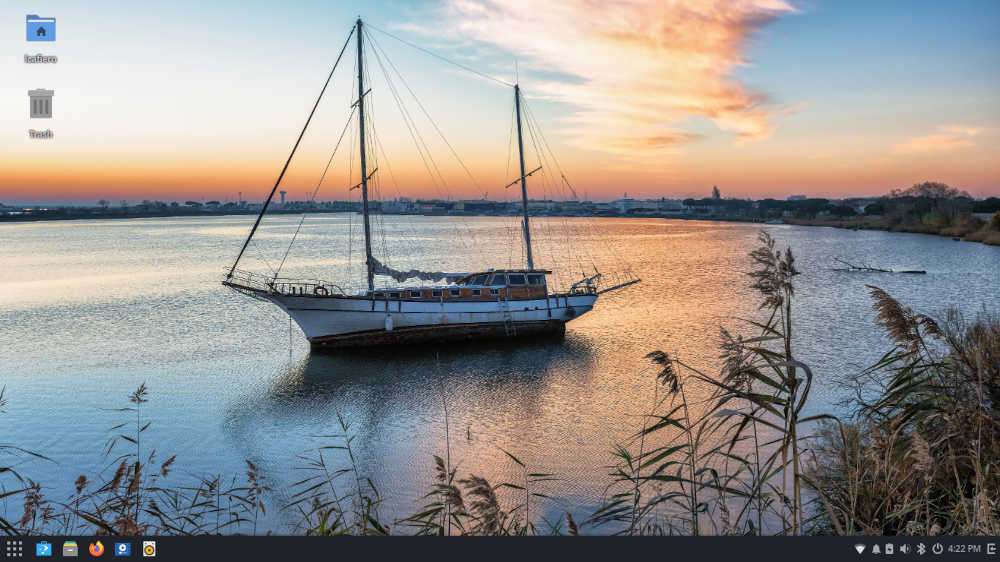
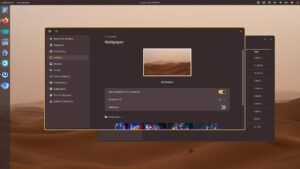
After boot, Solus 4.8 presents a Budgie 10.9.4 desktop with a default wallpaper showing a two-masted boat at anchor on calm water at dawn.
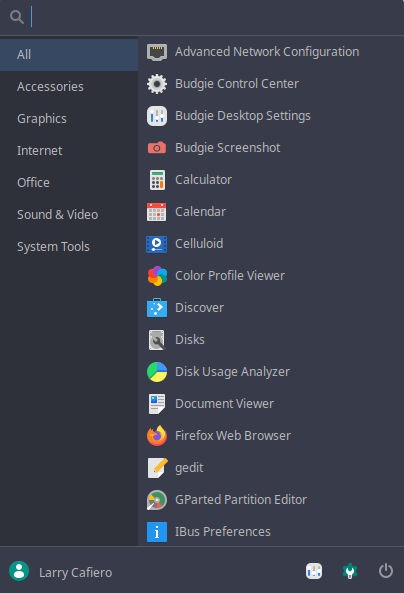
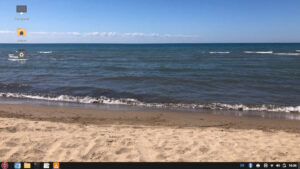
The Budgie desktop is not shy with the icons in its bottom panel: From the left is the menu icon, followed by Discover software center, Nemo file manager, Firefox browser, Celluloid video player, and Rhythmbox audio player. Anchored on the right are Updates, WiFi, Notifications, Battery, Volume, Bluetooth, Power, and Date/Time icons.
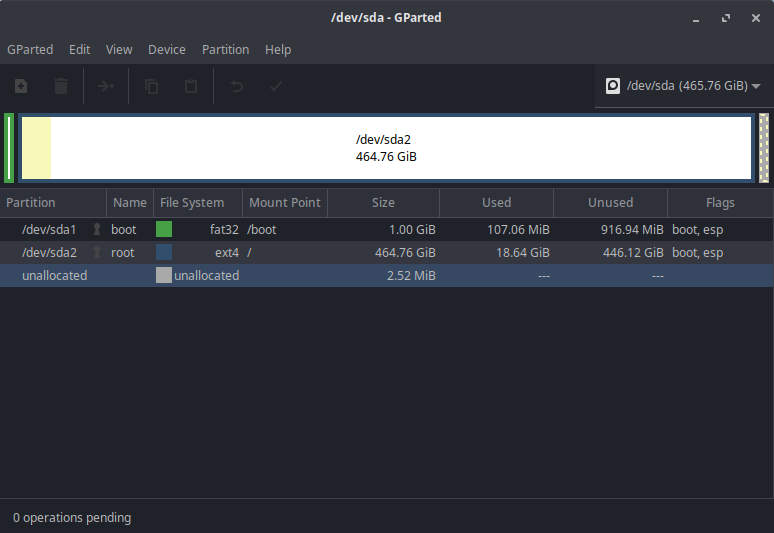
By default, Solus 4.8 installs all a user needs to get started. It includes recent versions of Firefox, LibreOffice, and Thunderbird. In addition, there is a full regimen of Budgie tools plus other mainstays, like gedit and GParted Partition Editor, and Xarchiver.

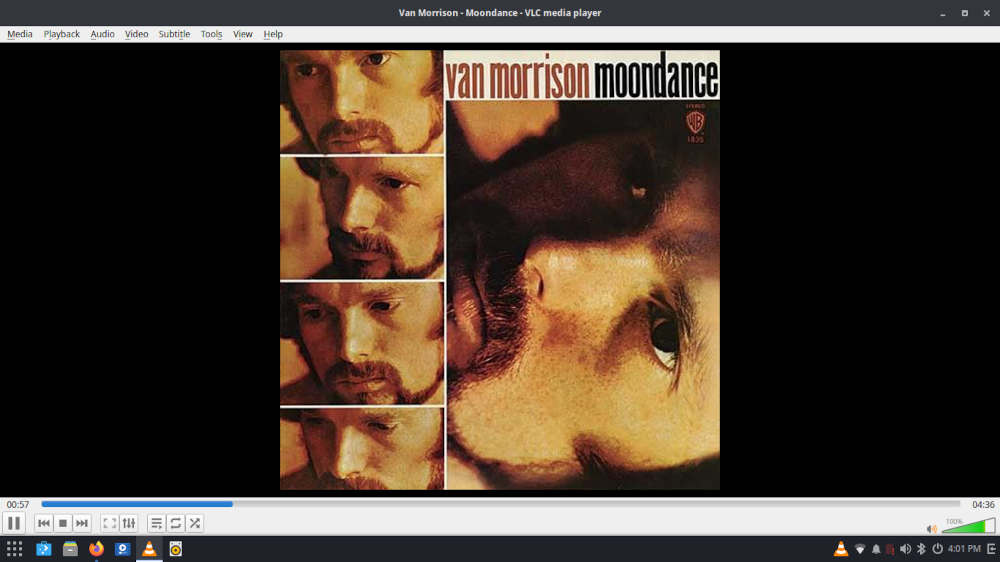
The first thing for me was to open Discover to download some of my favorites, specifically the GIMP graphics editor and the VLC media player. Deep-diving into Discover revealed a lot of software to choose from, making it worth the trouble to take a look at what’s available in Solus 4.8.
Once you have your distro right where you want it, it’s show time.
Solus 4.8 ships with Linux kernel 6.17.8, however kernel 6.12.58 is available for those preferring an LTS version. We’re not going to be that picky, although both come with the Mesa 25.2.6 graphics library.
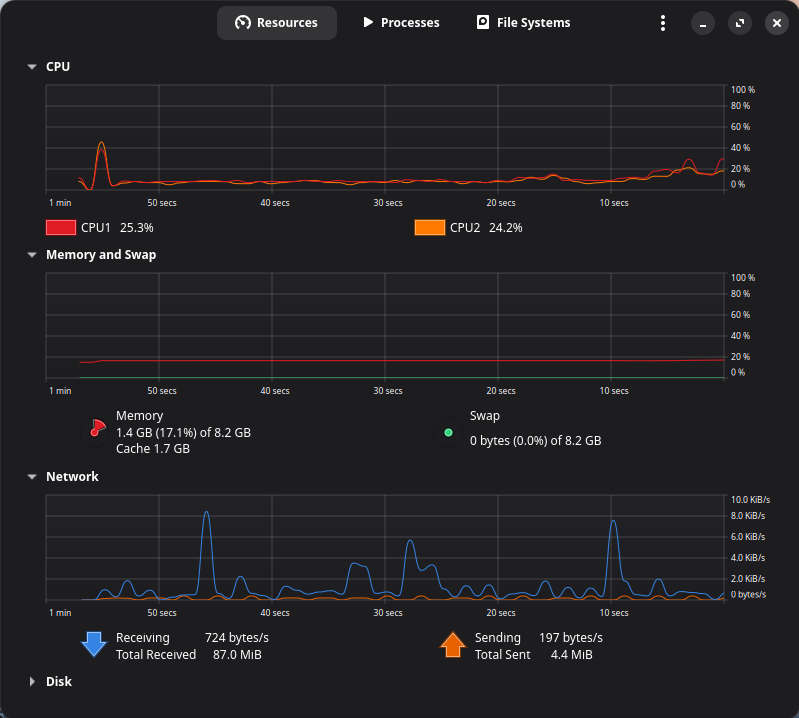
How this affects performance is not exactly clear, but it runs flawlessly once the user has it set up the way they want it. Day-to-day use is pleasant, and the Budgie desktop provides a simple and clear pathway to the software needed for daily use. Multitasking is easy and swift, and the distro plays well with cloud apps. Over the week that it was used, the distro took everything that was thrown at it easily and impeccably.
Final Thoughts
Back in 2017, Matt Hartley praised Solus in his overview of the best Linux-based operating systems, calling it “perhaps the most interesting distro in recent years” and noting that it takes “a unique approach to a logical user workflow, package management, and how they work with the community. I see them doing great things in the future.”
Well, it’s eight years later and it seems that the future is now. Solus 4.8 is a phenomenal distro which, despite having an independent origin, has put in the work — developmentally speaking — and has produced a distro that is far above-average.
Additionally, Solus 4.8 is one of those distros that are good for a wide spectrum of users. Beginners should have an easy time with the Budgie desktop environment and the Discover app, while those a little longer in the Linux tooth may find Budgie a little simplistic but not insurmountably so.
You can take the, ahem, “opportunity” to try out Solus 4.8 by downloading it from the Solus download page.
Do you have a distro you think would make a great feature for FOSS Force’s Distro of the Week? Don’t be shy—let us know! Offer your suggestions in the comments below (or use the “contact us” link under our masthead) and we’ll make an effort to make it so… No suggestion is too mainstream or too niche—let us know what you’d like to see!
Things I like about Solus 4.8… |
Things I don’t like about Solus 4.8… |
|---|---|
|
|
And now, for some reason, we’re in the mood for some classic Van Morrison, etched in vinyl…


In Solus 4.8, MATE was replaced by XFCE, which is no longer a beta version.
The budgie desktop does seem rather limited, in an otherwise solid Linux distribution. I myself tried the budgie version and I was struck how similar the experience seemed to be with Mate’ and the Brisk menu (presumably the influence of Ikey Doherty on both). The downside is that it’s not as configurable but it does now have Wayland support so there is that. Recommended, but I would go with one of the other desktops unless you are an absolute beginner as the author suggested.