
Manjaro 26.0 aims to deliver Arch speed with fewer sharp edges; here’s how it handles installation, performance, and everyday tasks.
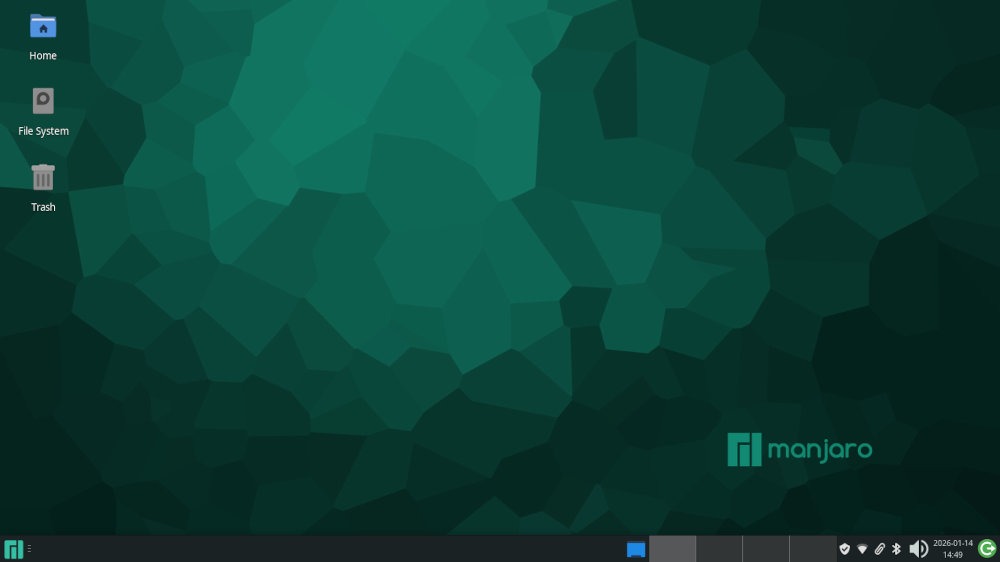
The FOSS Force Distro of the Week — Manjaro 26.0 “Ahn Linh”
As a New Year’s gift to the Linuxsphere, Manjaro Linux was kind enough to release Manjaro 26.0 “Ahn Linh” – a code name which means “noble or sacred soul” in Vietnamese – once all the celebrations over the holiday season were out of the way.
Released on Jan. 4, Manjaro 26.0 is the latest snapshot of this rolling-release distro based on Arch which features, among other things, the Linux 6.18 LTS kernel, refreshed graphics stacks, and practical workflow improvements that address app startup speed, remote access, window behavior, and file management.
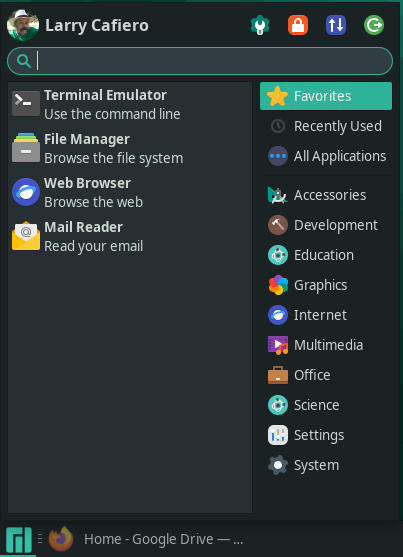
As one of Distrowatch’s top 10 distros — as of Tuesday, it’s ranked eighth in page hits over the past six months — Manjaro 26.0 comes in three “official” desktop flavors: the distro’s default desktop Xfce, as well as KDE Plasma and Gnome. There are also three additional versions maintained by Manjaro community members that feature the Cinnamon desktop environment, and i3 and Sway window managers.
The system requirements are fairly straightforward: a 1 GHz or faster x86 or x86_64 compatible processor, 1 GB RAM (2 GB recommended), and 10 GB of free hard-disk space should be available before installing.
With both of my testing laptops meeting the grade, without further adieu let’s install Manjaro 26.0 Xfce and give it a test drive, shall we?

Installing Manjaro 26.0
The install of Manjaro 26.0 was fairly straightforward. After downloading a 5 GB ISO, a little heftier than the average, we transferred it onto a USB stick and were in business.
The live version boot screen gives the user the option of running the distro with either open source drivers or proprietary drivers, mainly to let users choose whether to add nonfree software to the mix. If you’re running Nvidia and need high‑end 3D workloads to operate properly, proprietary is often the practical choice. Free drivers are sufficient — maybe preferable — for users who just need a stable general‑purpose desktop, since they integrate smoothly with updates and provide all the functionality most non‑gaming users need.
After the computer finished booting and revealed a desktop, I clicked the Install icon which which brought up a Calamares installer modified for Manjaro. The installer is unique in one special way – it includes an option to choose between FreeOffice and LibreOffice for word processing. I chose the latter due to familiarity and was on my way.
Kicking the Tires
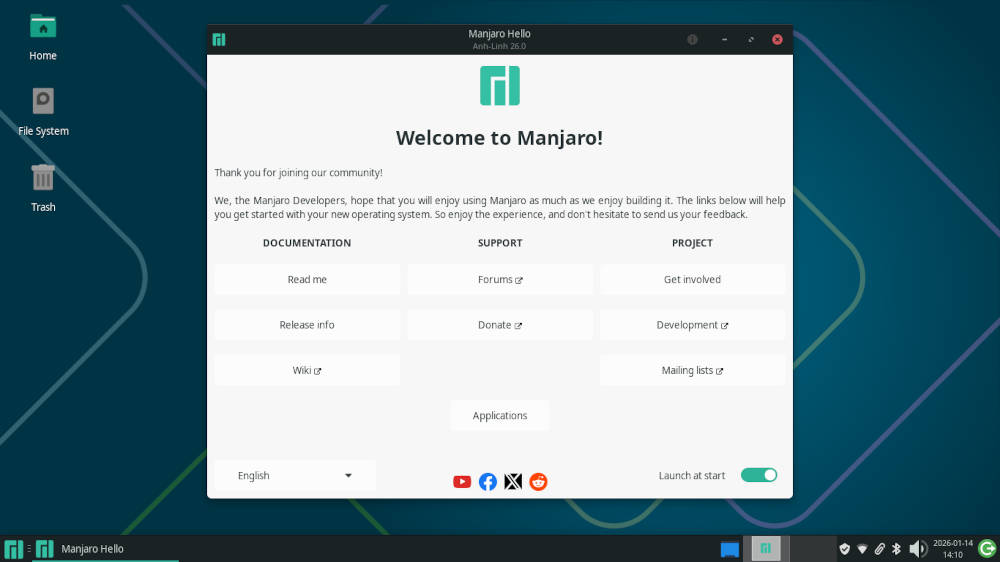
Manjaro 26.0 presents users with a Welcome screen with various options to help them get started. They include Documentation, Support, and Project, the latter being suggestions on how to get involved with the Manjaro project. At the bottom of the window is an Applications button which brings up a window that’s broken down into software categories, what is currently downloaded, and what is available.
While I normally use the stock download and go from there, I decided to throw caution to the wind and change the desktop a bit. I included four — count ’em, four — desktop workspaces, like distros used to provide by default, long ago in a galaxy far, far away.

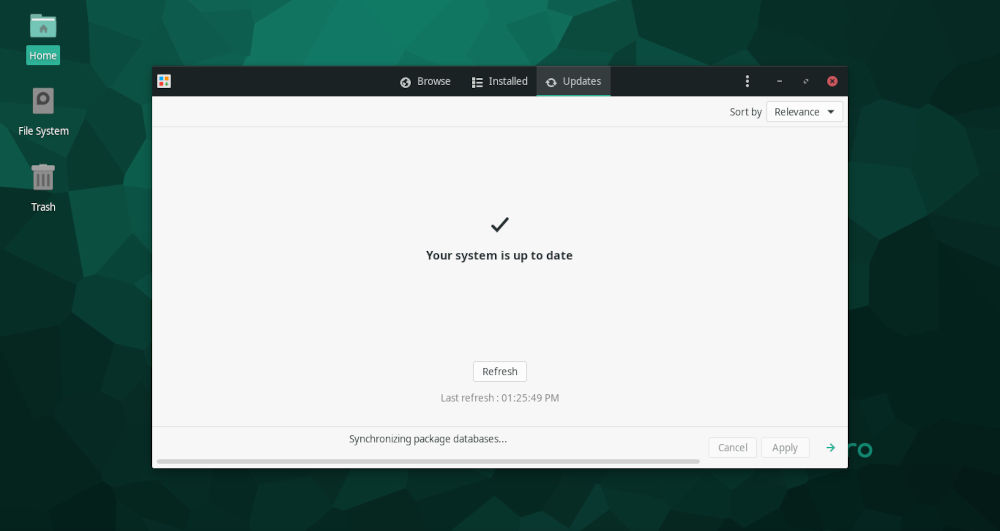
After my customary post-install update, I found that Manjaro 26.0 comes with a hefty amount of software already installed. In addition to the already mentioned LibreOffice, Manjaro — as if it had a sixth sense about these things – included most of the software that I use, but which normally I would have to install later from the distro’s app store. By default, Manjaro includes the Firefox web browser and Thunderbird e-mail client, along with programs like the GIMP image editor, the Audacious audio app, the GParted disk partition editor, and the Timeshift system restore software, among others.
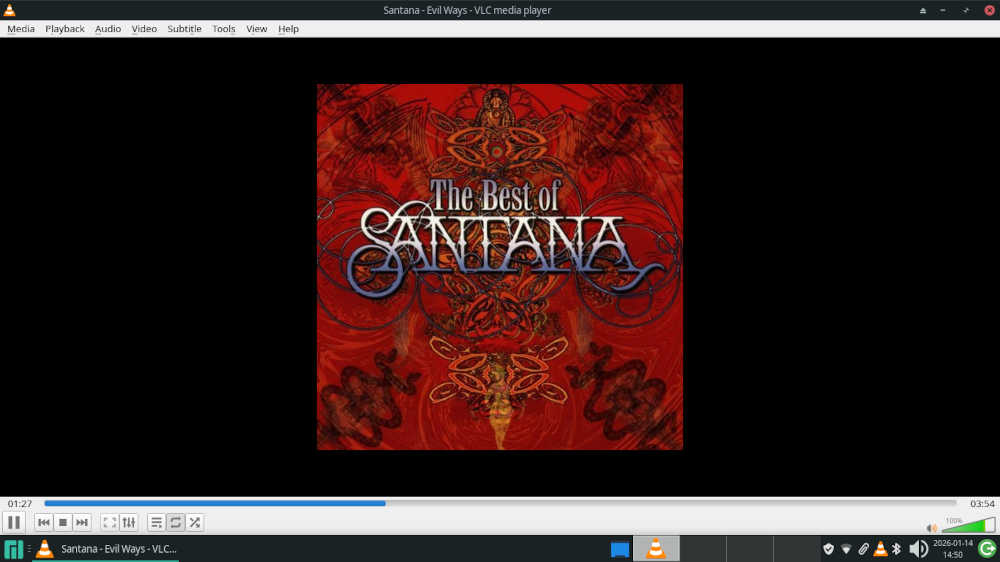
This left me only having to add the VLC media player and we were good to go.
In its latest version, Manjaro 26.0 includes the Xfce 4.20 desktop and focuses on practical improvements. Thunar gains recursive search and new file highlighting options that make it easier to spot specific files in crowded directories. Panel behavior has also changed, with panel length now set in pixels rather than in percentages.
The performance of Manjaro 26.0 is way above average, thanks to its Arch Linux base. Boot times are quick and software use under multitasking conditions is nothing short of robust. Even while running several software programs simultaneously, the memory use rarely went past 2.5 GB at its highest. Manjaro also plays well with cloud-based software as well, and using Google Docs and Google Drive were a proverbial piece of cake.
So, when listening to Santana on VLC while reading e-mail between playing a game or two on Facebook… Manjaro 26.0 handled it all with ease.
Final Thoughts
I wrote this back in July in a “Distro of the Week” review of another Arch-based distro:
“Permit me a personal observation: Where once I would run for the hills at the mere thought of running a distro based on Arch, today I would willingly embrace the opportunity, if for no other reason than the power and speed involved in running an Arch-based distro.”
Believe it or not, I still stand by this statement. Arch purists — and you know who you are — should get used to other Arch-based distros that are… well, better — and more importantly, way easier to use — than stock Arch Linux. Welcome to the new world.
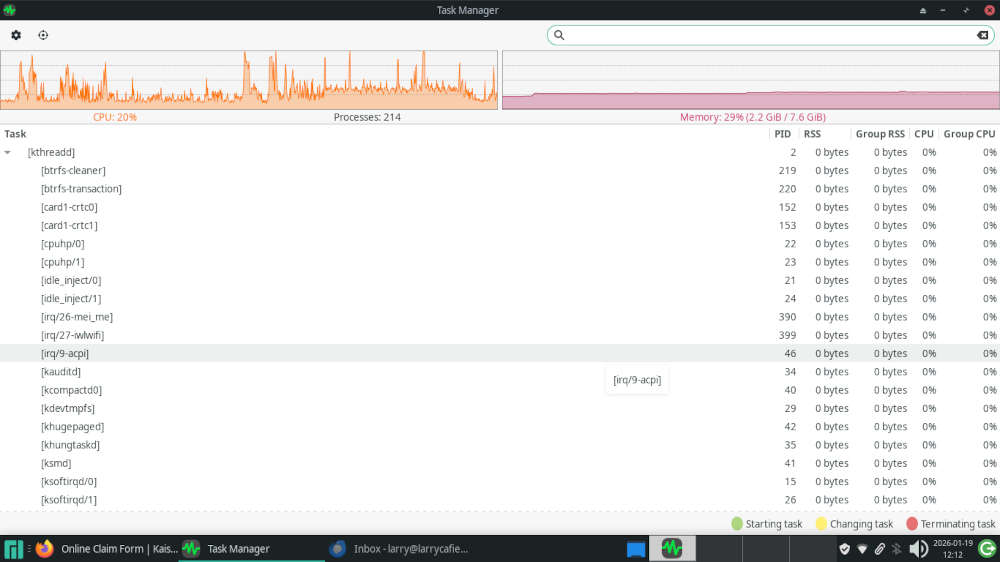
Of all the Arch-based distros I’ve tried, Manjaro 26.0 stands out, front and center, as a strong contender across the Linux distribution landscape, appealing to a wide range of users with its blend of modern features and community-driven support. One highlight — maybe the most important highlight — is in how it strikes a balance between being cutting-edge and stable, making it suitable for both beginning users and experienced Linux greybeards.
In other words, Manjaro 26.0 is a strong statement from a distribution that understands its audience. The distro delivers modernness without unnecessary turmoil, and makes the everyday user experience reliable and pleasant. In that complex endeavor, it succeeds with flying colors.
Manjaro is unequivocally worth a look, if not an actual test-drive. To give it a try, download ISOs for a variety of flavors from the projects downloads page.

Do you have a distro you think would make a great feature for FOSS Force’s Distro of the Week? Don’t be shy—let us know! Offer your suggestions in the comments below (or use the “contact us” link under our masthead) and we’ll make an effort to make it so… No suggestion is too mainstream or too niche—let us know what you’d like to see!
Things I like about Manjaro 26.0 "Ahn Linh"… |
Things I don’t like about Manjaro 26.0 "Ahn Linh"… |
|---|---|
|
|
And now, for some unexplained reason, we’re overcome by the urge to time-travel back to Carlos Santana in 1969…


Manjaro Plasma is my daily driver since a year. I have an Nvidia graphics card (RTX4080) with Wayland and, believe it or not, it just works!
AAA games, print, scan, internet browsing, suspend, resume, stream movies on my TV via DLNA, calendar integration, KDEConnect, video calls through Zoom and Jitsi, and much more!
I love and warmly recommend it! :o)
Once upon a time I loved Manjaro. I had it installed on my 2 computers. Then one day and update rendered my systems unbootable. Luckily, I had good recent backups. Otherwise I would have had to to learn how to chroot into my disks to undue the update. And I wasn’t the only user affected by this disaster. It was a bad day in the Manjaro-verse. It would be my last. I fled to the safety and stability of the Debian-verse.
Now I’m a happy Xebian user.
The End
I go back and forth between Cachy and Manjaro. Manjaro has a few more things working out of the box. Both are rock solid and keep up with all the improvements in KDE over the past year. I’d only consider another distro if I was trying to get something really old or of a non-x86 architecture working.
You should also check out BigLinux. Based on Manjaro, but with a very polished KDE desktop and lots of custom tools to make system maintenance easier. Brazilian distro, but has multiple translations available. There’s also community version with Gnome and XFCE.
I tried Manjaro once. On an update it died. I never tried again. I’m about getting things done, so an O.S that needs nursing is not my cup of tea.
I am presently using Aurora – set and forget.
Meanwhile I discovered SecureBlue. I am at present trying the Kinoite version out, and would appreciate your input or better, review.
It seems to me that it is a securer version of Fedora Aurora
Regards,
Bushwalker
Anonymous —
We’ve already done Big Linux last June. Here’s the review:
https://fossforce.com/2025/06/biglinux-samba-software-and-surprises/
Arch is now EASY. Learn to make the correct option choices. Its not that hard. If you want ARCH – use the ARCHINSTALL built in script. If you’re intimidated — Use a decent VM like GnomeBoxes….. to practice the process. There are many Distro’s built from Arch. But they’re not ARCH.