
Helping those in need while saving old PCs from landfills is no easy task, but this Debian 13 “Trixie” spin paves the way.
The FOSS Force Distro of the Week — Emmabuntüs Debian 6 Xfce
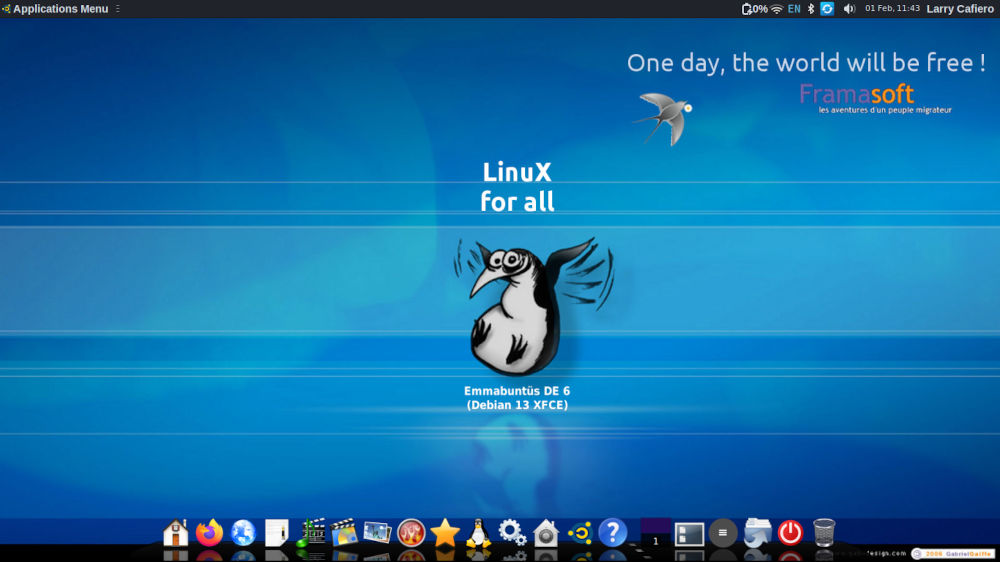
One of the best parts about this gig – perhaps the best part about it – is that, as the Distro of the Week columnist, I get to try out a new Linux distro every column. So far, most have ranged from merely adequate to genuinely impressive, and from the 400‑plus distros listed on DistroWatch, I usually have free rein to pick each week’s distro.
One of the factors used to choose a particular distro for the week is whether a distro has recently released a new version, which is how I ended up with France’s Emmabuntüs Debian 6 Xfce this week. When it was released in mid‑December, it went straight to the top of my list, and to be honest, the distro and the community behind it have been something of a revelation.
About Emmabuntüs
Before talking about the distro itself, let’s talk about the movement behind it, which might be as important as the operating system itself. Emmaüs is an international solidarity movement founded in Paris in 1949 to combat poverty and homelessness. The organization’s guiding principle can be found in its Universal Manifesto of Emmaüs International: “Serve those worse off than yourself before yourself. Serve the most needy first.”
Emmabuntüs is a portmanteau of Emmaüs and Ubuntu, which was the distro’s original base when it started in 2011. It changed to a Debian base in 2016, but kept the original name. Its raison d’être is to facilitate the refurbishing of computers given to humanitarian organizations – like Emmaüs communities and others – while also promoting the discovery of Linux by beginners. It’s also meant to reduce waste by extending the life of computer equipment by running comfortably on modest hardware.
The minimum system requirements for Emmabuntüs are on the light side, but fairly normal for an OS tasked with rescuing older hardware from the dump. It requires a 1 GHz or faster processor (dual-core or better is recommended), 1 GB RAM (2 GB or more is recommended), 10 GB available storage (20 GB or more is recommended), and a VGA-compatible graphics card.

Installing Emmabuntüs
Emmabuntüs comes in two basic flavors, the default Xfce 4.20 and the lighter LXQt 2.1 for older machines with lower resources. For this review I’ve chosen the former.
Once the average-sized 4.2 GB ISO was put onto a USB drive, the installation using the Calamares-based installer was fairly straightforward. Two installation methods are offered: Classic mode for personal use, and OEM mode for installation on multiple machines. After opting for the classic mode, I was prompted for the usual — location, keyboard, partitions, and the like — and opted for a second password for root, which required unchecking the “use the same password for administrator” box.
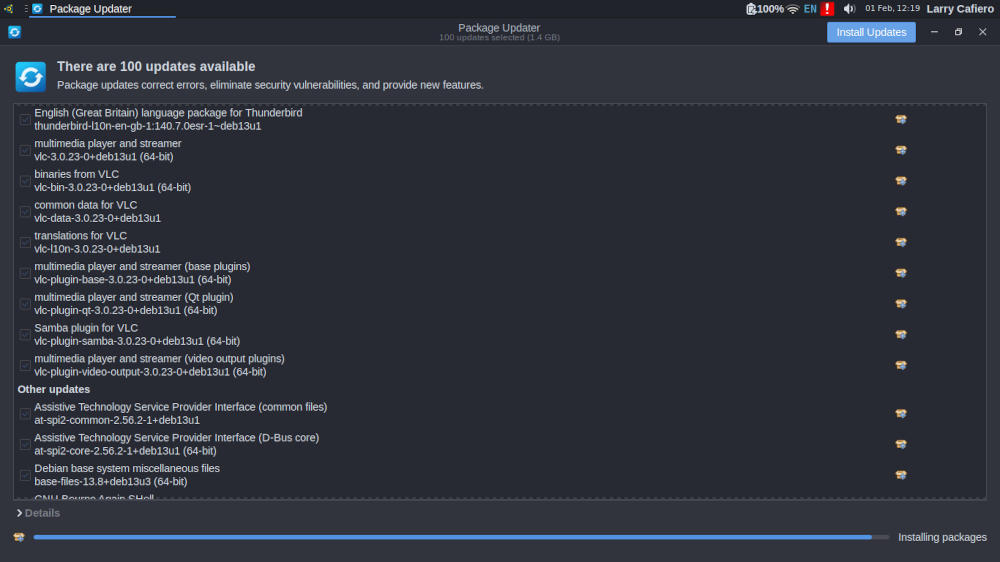
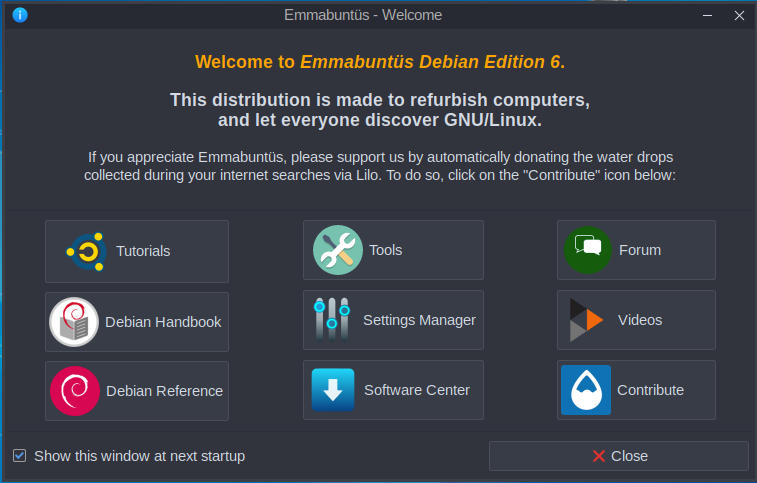
After a relatively quick installation, I was ready for the first update and then to try it out, but first encountered a series of welcome screens that walked me through setting up the distro’s keyboard and desktop, as well as the languages to keep on the system. After that — you know me — I was off to inspect the software.
Days of Software Passed… and Present
The standard download is absolutely full of software that installs by default. Actually, it’s overloaded in my opinion, but in a good way. The installation included software that I’ve never heard of, and some apps that are throwbacks to an earlier time.
Remember Tux Paint? AbiWord? They’re all included in the default installation.

Other apps you don’t see all that often by default include Pidgin and Jitsi for messaging, as well as FileZilla and Transmission for transferring and downloading. Oh, and for listening to tunes, the distro goes way beyond VLC to include Audacity, Clementine, Kdenlive, and Kaffeine.
While software is generally accessed through the Xfce drop-down menu in the screen’s upper left, there is a panel along the bottom which provides the user with instant access to many of the available apps. Also note that Cairo Dock at the bottom of the screen looks more macOS than Linux, with categories of software providing a subset of menu options when clicking on each icon.
One of the highlights of Emmabuntüs is its accessibility-related software. According to the release announcement, this new release is the result of a close collaboration with ASL YOVOTOGO and the Togolese Federation of Associations of Persons with Disabilities (FETAPH). Accessibility work in the distro was shaped by extensive testing and feedback from blind and visually impaired volunteers, whose contributions guided both usability and feature design.
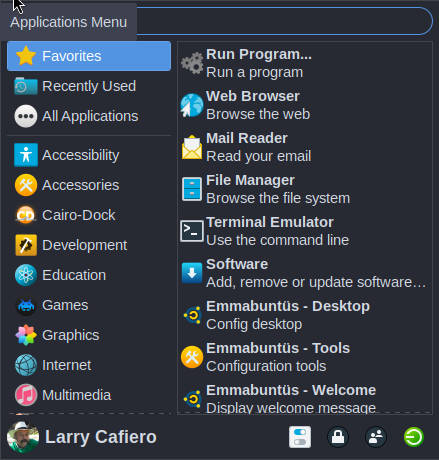
To preserve continuity for existing users, the new accessibility features are disabled by default and can be enabled on demand through a dedicated interface.
You might think, with the wealth of software Emmabuntüs makes available, that the distro’s performance would be affected. That wasn’t the case on either of the laptops I used for testing. According to Task Manager, the distro idles at around 750 MB of RAM, and try as I might to push multitasking, I could never get memory use above 3.2 GB. This made multitasking a breeze with Emmabuntüs — and the amount of software available would pique the interest of even the most choosy user.

Final Thoughts
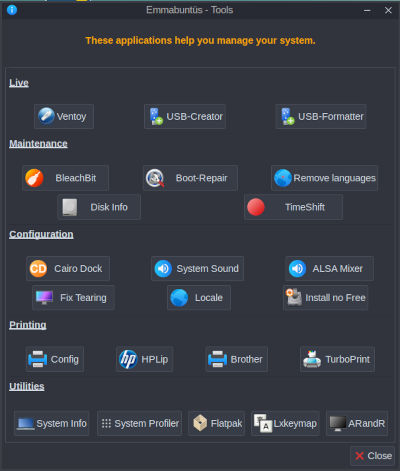
Between the helping-the-digital-needy paradigm augmented by the necessity of keeping older computers out of the proverbial landfill – to say nothing of introducing new users to Linux – Emmabuntüs brings Linux to a level that transcends mere technical prowess. Given its impressive accessibility features (it even includes braille accessibility tooling, believe it or not) and its altruistic purpose, Emmabuntüs Debian 6 Xfce is closer to sainthood than any other distro I’ve test-driven — or used.
Overall, Emmabuntüs Debian 6 stands out as a beginner-friendly Linux distribution which also appeals to intermediate and advanced users. The distro’s ethical approach to technology and commitment to helping those in need make it a compelling choice for new users as well as those looking to repurpose old computers.
There is a lot to like about Emmabuntüs Debian 6 Xfce. Do yourself a favor and check out the distro by downloading the ISO from the Emmabuntüs downloads page.
Do you have a distro you think would make a great feature for FOSS Force’s Distro of the Week? Don’t be shy—let us know! Offer your suggestions in the comments below (or use the “contact us” link under our masthead) and we’ll make an effort to make it so… No suggestion is too mainstream or too niche—let us know what you’d like to see!
Things I like about Emmabuntüs Debian 6 Xfce… |
Things I don’t like about Emmabuntüs Debian 6 Xfce… |
|---|---|
|
|
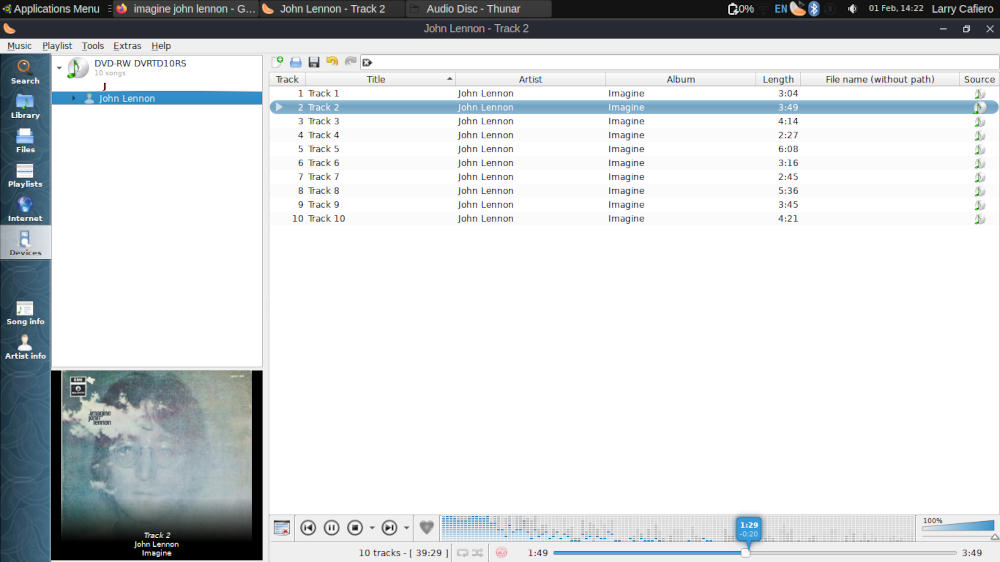
Time for some social commentary from John Lennon and friends…


I got out of the refurb business a few years too early it seems. The way Microsoft bullied people into buying new computers would have been a boon to our efforts. Not that it matters now, but the thought did cross my mind.
This distro looks like fun, and while I do not have a direct need for it, I’ll spend some time with it over the weekend and put the .iso on file. I do,, from time to time, place computers here in my community when needed.
However, a recent nostalgic wave for KDE distros taught me an important lesson. Rankings on Distrowatch do not always indicate the top-ranked distros will appeal to everyone.
I found a mid-list distro called Mageia especially pleasing. Years ago, a Brazilian distro called Connectiva was available, and it was stunning in both appearance and function. I don’t know if the developers of Mageia modeled their work after Connectiva, but the graphic parallels are obvious. I’ll be putting it on a ThinkPad T-490 over the weekend as well.
Thanks for the heads-up Larry.
Hi Ken!
You are mostl correct regarding Mageia.
Once upon a time there was the french-based Mandrake Linux which was sued by the owners of the Mandrake The Magician trademark owners,so they went looking for a new name.
There was also this brazil-based Conectiva Linux.
Both distros joined forces, giving birth to Mandriva Linux.
Sadly, that endeavour seemed destined to fail, and after some struggles Mageia (among others) raised from its ashes as its spiritual succesor.
Cheers!
The EU has been murmuring about building their own Linux distro recenrly. It would seem to me that the team behind Emmabuntüs has already done it!
– It’s a newbie-friendly and accessibility-friendly distro
– perfect for use n schools, and
– would be a good choice for the office too