
‘Trixie’ doesn’t reinvent Debian so much as reaffirm it, with updated packages, subtle polish, and the same rock‑solid base that keeps it the go‑to choice for many serious Linux users.
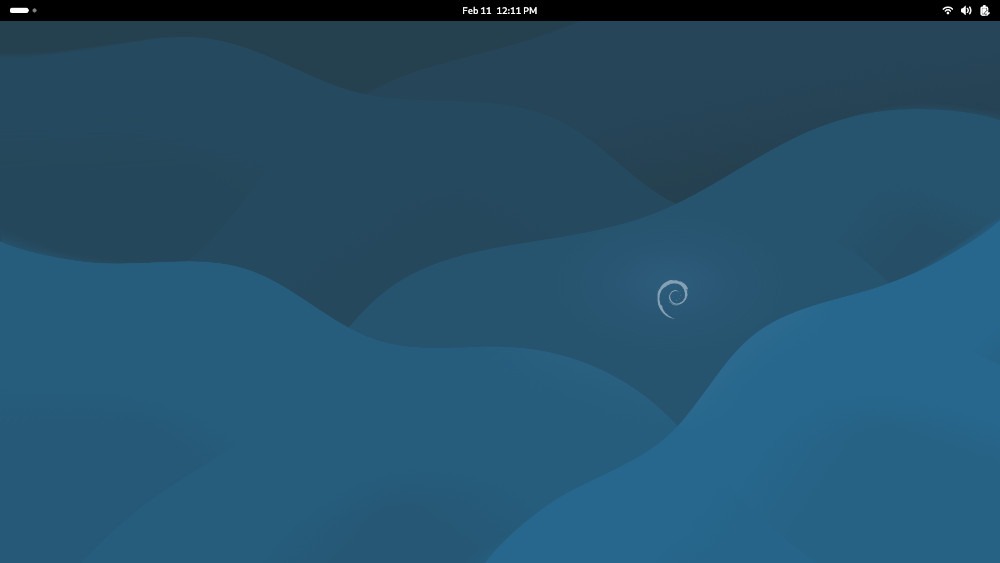
This week, we’re looking at Debian 13.3, the fourth installment of the “Trixie” series.
Fun fact wrapped – sort of – in a confession: Debian was my first distro. Back in 2006, when one of Apple’s old ‘flavored’ iMacs wouldn’t take an update that Apple had provided, I was stuck, sort of. The choices were buy a new Mac (another confession: I was a Mac guy at the time) or stay with what I had. After consulting with a computer-savvy friend, I downloaded and burned a Debian CD-ROM disk — the PowerPC version — and the rest, as they say, is history.
Many moons later, Debian is not only a perennial top-10 distro on DistroWatch — it ranked number four in page hits over six months as of Tuesday — but was probably the starter distro for many a Linux user in the pre-Ubuntu/Linux Mint era. Debian 13 “Trixie” was released in August, and last month version 13.3 was released.
So this week, we’re treading on hallowed ground, as it isn’t often that we get to test drive a Linux distro that’s an important piece of Linux history.
A Short History of Debian
For the already Linux-initiated, Debian needs little introduction. It’s one of the oldest distros still in active development — second only to Slackware — having been released in August 1993 by Ian Murdock, who occupies a place in the pantheon of Linux greats, along with Linus Torvalds and Richard Stallman (who would insist on “GNU/Linux”).

According to DistroWatch Debian serves as the base for 142 other distros currently being developed in the wider Linuxsphere. This includes such Linux powerhouses as Ubuntu and Linux Mint, as well as a plethora of smaller and more specialized distributions.
Fun fact: The code names for Debian releases are based on the names of characters from the “Toy Story” films, with the unstable branch named after Sid, the kid who regularly destroyed his toys. Trixie, the code name for the current 13.x releases, appears in Toy Story 3 and Toy Story 4.
But as much as I love talking about Debian, we’re getting off the subject here.
Installing Debian 13 ‘Trixie’
If you want to download Debian quickly, you can go to the Debian page and download the net install version of the ISO by clicking the “download” button. Basically, this is a very light version – 754 MB to be exact – which downloads in around three minutes. One caveat: With the internet doing most of the heavy lifting when using this option, a reliable internet connection is a necessity.
Because Debian is frequently used as a server distribution, even by large enterprises, Debian’s wiki divides minimum system requirements into No Desktop and Desktop categories. For No Desktop that’s 512 MB RAM (with 1 GB recommended), and 4 GB of available storage. For running with a desktop: 1 G RAM (2 GB recommended) and 10 GB or more of storage. Bear in mind, too, that this is on 64-bit architecture only. Debian dropped native 32-bit support with the release of Trixie.

Once you’ve downloaded and booted the ISO, you’re greeted by the Debian graphic installer. Compared to newer installers like Calamares, the Debian installer can seem to be old-fashioned, but it’s thorough. It walks you through some of the more intricate parts of the installation — like making sure your connection is good, for example — and presents options for things like how much disk space you’d like to use (helpful hint: use “Guided – use entire disk” and “all files in one partition” for safe measure). There’s root password and user password to set up, on separate pages.
Once you’re ready to install Debian, you hit the “yes” button and off you go.
During installation, a screen pops up asking which desktop environment to install, as well options for other software to go along with it. You’re given a choice between Gnome, Xfce, KDE Plasma, Cinnamon, Mate, LXDE, and LXQt, as well as web server and SSH server.
Gnome is the default DE for Debian, but because we have three machines for testing, we’re going to install Gnome on one, KDE Plasma on the second, and Xfce on the third. I also clicked web server and SSH server in the extra software. And about 15 minutes of download later for each desktop environment, we were done.
Kicking the Tires
While the update to Debian 13 last August seems subtle on the user level, there were profound advances under the hood. One of the main advancements is that Debian added riscv64 as an officially supported architecture, at the expense of dropping support for 32-bit architecture. Popular packages also arrive in Debian 13 in much newer versions than in Debian 12, specifically OpenSSL 3.3 for stronger encryption, Python 3.12 as default, and GCC 14 and glibc 2.40 for developers who need the latest toolchain.

One of the biggest under-the-hood changes in Debian 13 is APT 3.0, which brings cleaner dependency handling and error reporting, meaning fewer broken upgrades and less time wasted debugging package conflicts. If you’re a system administrator running large VPS fleets, this is a quiet but critical improvement. If you’re not, well, never mind. In a nutshell, this shows a high degree of commitment to the overall distro itself.
Long-term support for the distro runs until June 2030, which is typical of Debian.
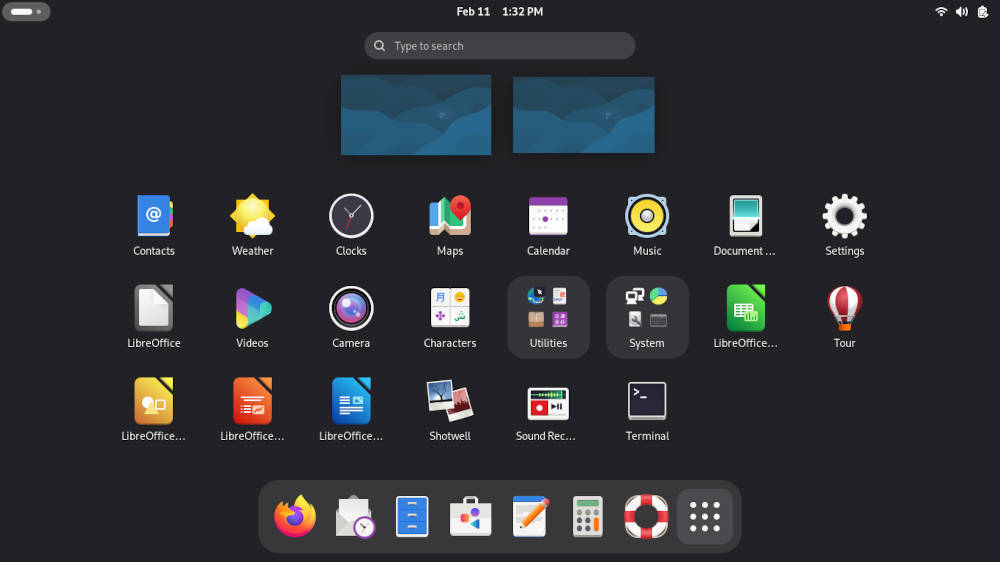
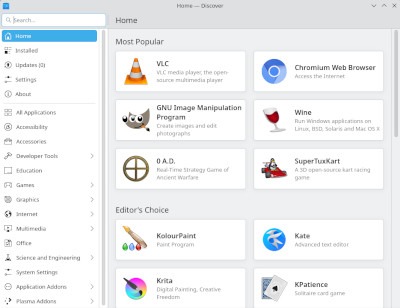
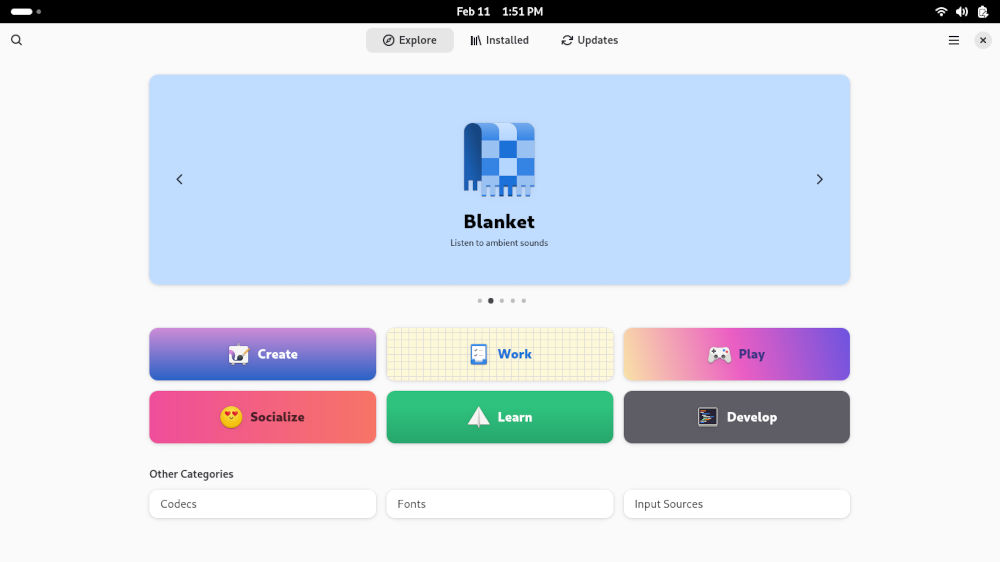
The default Gnome 48 desktop install includes Firefox ESR and the LibreOffice. While it does include the standard Gnome utilities, other than that, the software it installs by default falls off the proverbial cliff, so it was off to the Software program to add the necessary apps, such as VLC media player, the GIMP graphics editor, Thunderbird email client, for starters.
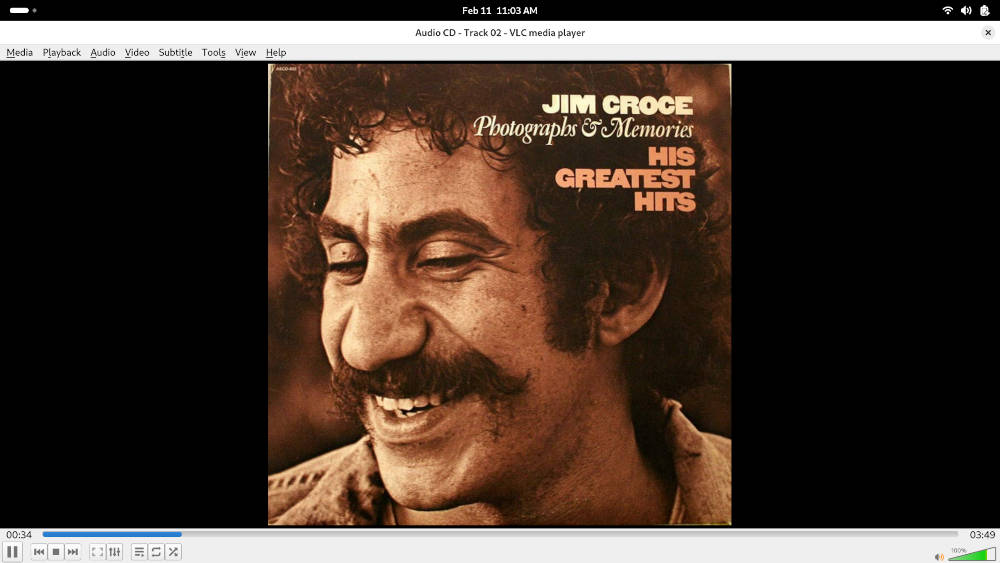
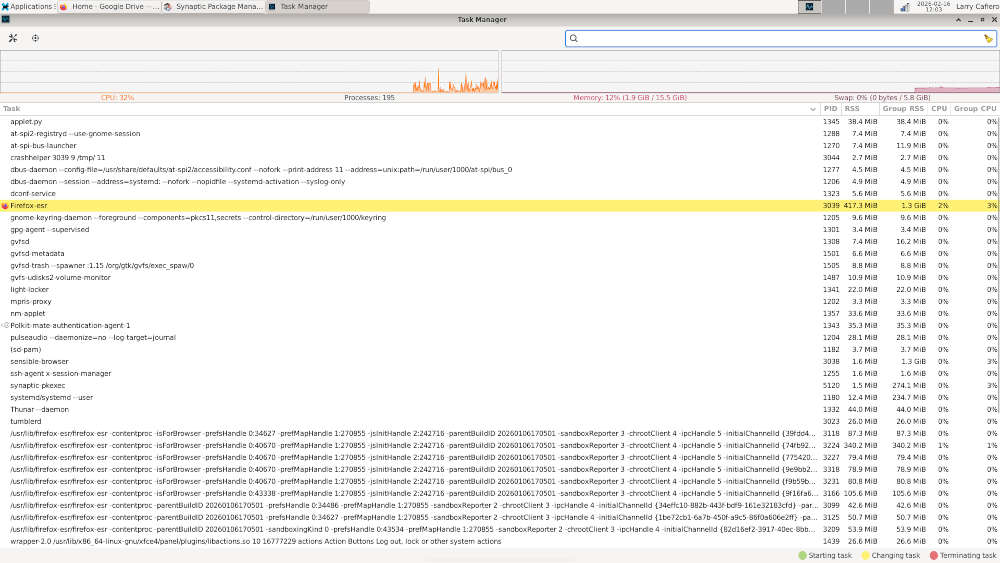
Performance is still a Debian mainstay, as the distro seems to plug away seamlessly no matter what is thrown at it. The distro aced any multitasking assignment it was given with flying colors, rarely reaching above 2 GB of RAM use in the process. Listening to Jim Croce – don’t judge – while visiting an array of social media sites, punctuated by receiving and sending email via Thunderbird on the Gnome version, was handled easily and immediately.
There were some differences with the other optional desktop environments, though none of them negative.

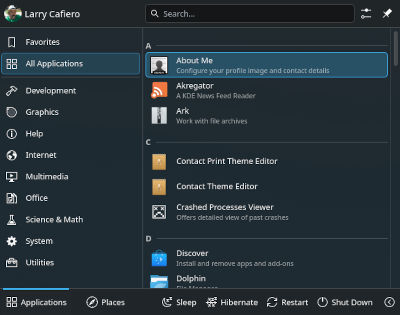
The KDE Plasma 6.3.6 version of Debian comes with a multiplicity of KDE-based programs. Installing VLC and GIMP at the outset, I decided to forgo Thunderbird to give Kmail a run. Not surprisingly, it performed adequately. However in the somewhat large family of KDE-provided software, one caught my eye and was used significantly during the week. It’s called KDE Connect and its primary role is to connect your Android phone to the KDE-based computer. You can control the cursor on the computer with the application on the phone, and switching files from computer to phone and back again was not only convenient, but a bit fun as well.
Finally, the third desktop environment – Xfce 4.20 – was a bit of a homecoming, a throwback to a simpler time and more straightforward computer use. While Xfce is recommended for computers with lighter RAM requirements, the amount of software available in the Xfce toolset combined with its responsiveness on the computer will always keep it as one of my favorite – if not my all-time favorite – desktop environment. Multitasking on Xfce was a breeze, and of the three desktop environments tested, the Xfce version was far and away the quickest and most responsive.
Final Thoughts
It has often been said that Debian’s enduring legacy is built upon its unwavering commitment to stability, security, and freedom. Each release is an unequivocal statement to the dedication of its vast community curating packages and ensuring a reliable foundation for a wide variety of hardware architectures.
Despite dropping 32-bit support, Debian 13 “Trixie” both continues this tradition while embracing the latest advancements in the open-source/free-software landscape. It delivers a distribution that is both familiar while also forward-looking.
That said, from the core kernel to the user-facing desktop environments, Debian 13 “Trixie” offers an enhanced, yet refined, experience for both seasoned Debian users and newcomers alike. The distro caters to a wide range of users, from home users seeking a stable system to developers and sysadmins requiring an up-to-date and solid large-scale platform.

You can download a netinstall version of the ISO from the Debian website, however if you want to go a little deeper and download a live USB ISO, you’ll have to visit Debian’s download page.
Do you have a distro you think would make a great feature for FOSS Force’s Distro of the Week? Don’t be shy—let us know! Offer your suggestions in the comments below (or use the “contact us” link under our masthead) and we’ll make an effort to make it so… No suggestion is too mainstream or too niche—let us know what you’d like to see!
Things I like about Debian 13.3 "Trixie"… |
Things I don’t like about Debian 13.3 "Trixie"… |
|---|---|
|
|
And for some reason, we now feel like steppin’ on Superman’s cape…


My love affair with all things Debian began with Knoppix. I had a brief tryst with an RPM-based distro, Connectiva; but Mandrake bought them out and screwed it all up. Mandriva anyone?
Blech.
I fell completely in love with Debian after installing Libranet. It was made for new guys like me. It was Linux made simple, and I appreciated the hand-holding even after the training wheels came off. Unfortunately, the lead developer, Jon Danzig; passed away in 2005 and his brother and son just could not keep up with the demands new users created.
If asked now, why I prefer apt/.deb environments over their .rpm cousins, I don’t think I could nail just one thing down. I simply feel more comfortable in the Debian environment.
Have you tried one of the Debian Sid-based distros, like Xebian or Siduction? You might really like Xebian, since we like XFCE. It is basically Debian Sid with a Xubuntu-like theming. Works great, less filling.
Good old Debian.
Debian begat….well, dozens and dozens of other Distros.
Including Ubuntu, which begat yet many many more!!
Like Linux Mint, Elementary OS, Zorin OS, Pop!_OS (just to name a few)
InvisibleInk —
No I haven’t, but those two are going on the list. Thanks for the suggestion!