
System76’s Pop!_OS 24.04 lands with the all-new Cosmic Epoch 1 desktop. We installed it and kicked the tires so you know what to expect.
The FOSS Force Distro of the Week — Pop!_OS 24.04 LTS
Right on time, System76 released Pop!_OS 24.04 LTS on December 11, just like the company said it would. Along for the ride is the debut of the newly minted Gnomeless version of the already popular Cosmic desktop environment.
The distro has been a perennial top-10 favorite on DistroWatch’s Page Hit Ranking since its first release in 2017. It’s developed by System76, which has been building Linux boxes for 20 years. According to System76 founder and CEO Carl Richell, “If you’re ambitious enough, or maybe just crazy enough, there eventually comes a time when you realize you’ve reached the limits of current potential, and must create something completely new if you’re to go further.”
Enter, stage right: the built-from-scratch Cosmic Epoch 1 desktop environment — replacing the Gnome-based version of the DE that’s been a favorite since it was first released in 2021.
Last week, FOSS Force wrote a story on the release of the new Cosmic desktop. Today we’re going to put Pop!_OS 24.04 LTS through its paces to see how the distro checks out.
Installing Pop!_OS
Pop!_OS 24.04 LTS is based on Ubuntu 24.04 LTS and is powered by the Linux 6.17 kernel series. The 2.87 GB ISO downloads fairly quickly. The recommended system requirements are 4 GB RAM, 16 GB free storage, and a 64-bit processor. The Pop!_OS website reminds you to disable Secure Boot in your BIOS.
Installation is straightforward. Full-disk encryption is provided by default, but you can opt-out of it. If you do choose to encrypt the entire desk, remember this will add a second step to logging in. Helpful hint: In that case you might want to make both of your passwords the same and you should have no problems.
Once Pop!_OS is installed, it’s showtime.
First Impressions and Setup
First things first, the new desktop: The Computer Operating System Main Interface Components, or COSMIC for short. System76 has outdone itself in creating a new desktop environment for this distro. While one can see a Gnome influence at the outset, Cosmic stands apart by virtue of its “going the extra mile” in categorizing various software into groups.
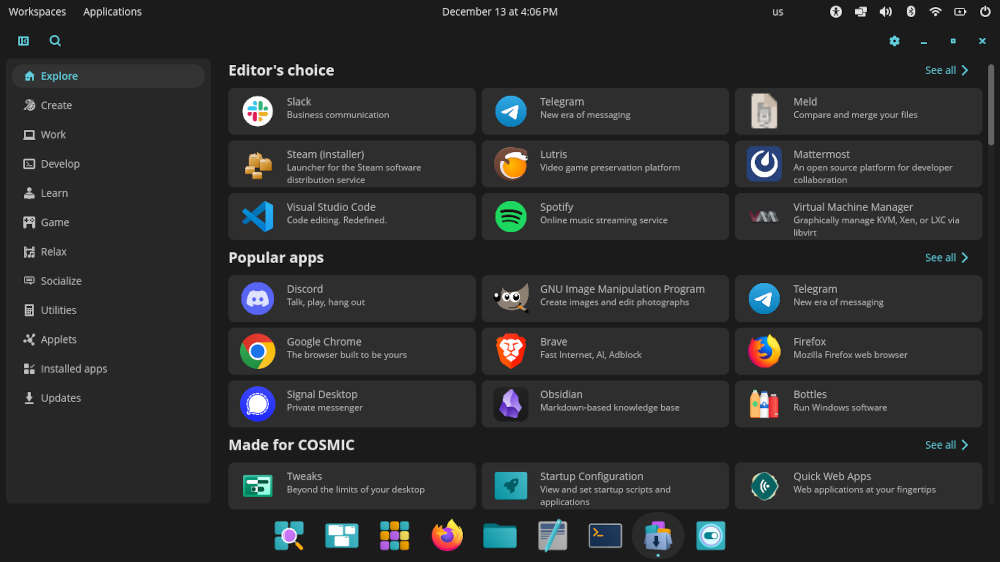
Cosmic also provides rewritten applications custom made for the new desktop environment, including Cosmic Store — which replaces the Pop!_Shop and where users go to add software — as well as the file manager in the form of Cosmic Files, a media player appropriately called Cosmic Media Player, Cosmic Text Editor, Cosmic Terminal, and Cosmic Screenshot. All the Cosmic software is built in Rust, which improves responsiveness, performance, and safety on the desktop.
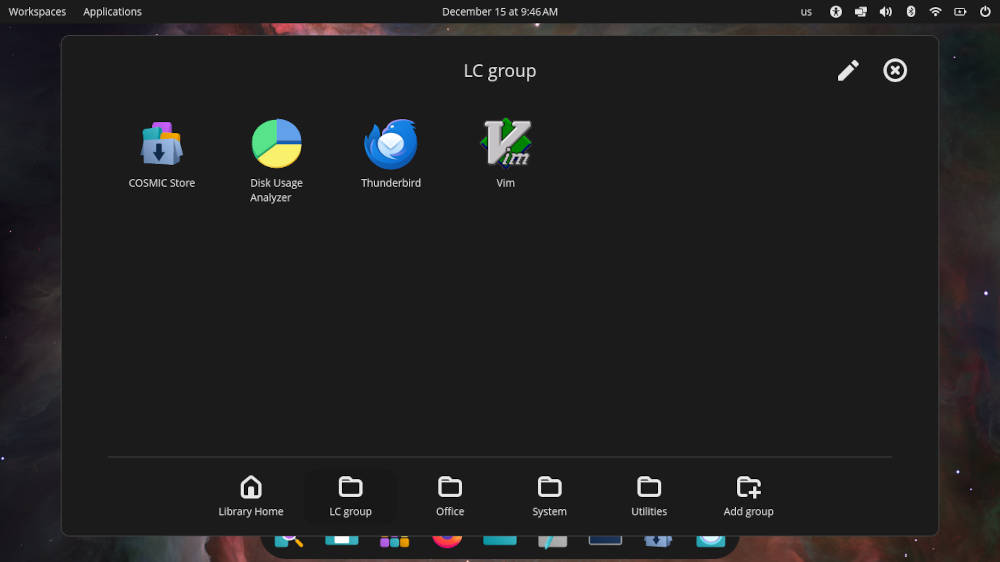
The Applications Menu comes up with a Gnome-like listing of Cosmic-based software icons, along with Firefox for some reason. There is a bottom row of icons in the window divided into separate categories of software, including Office — which lists the LibreOffice suite of software and the Thunderbird e-mail program, among others — as well as a System folder and Utilities, both of which provide the system’s tools. There’s even an icon to add a group to the dock, say your favorite software programs, which piqued my interest, so I made a grouping of software.

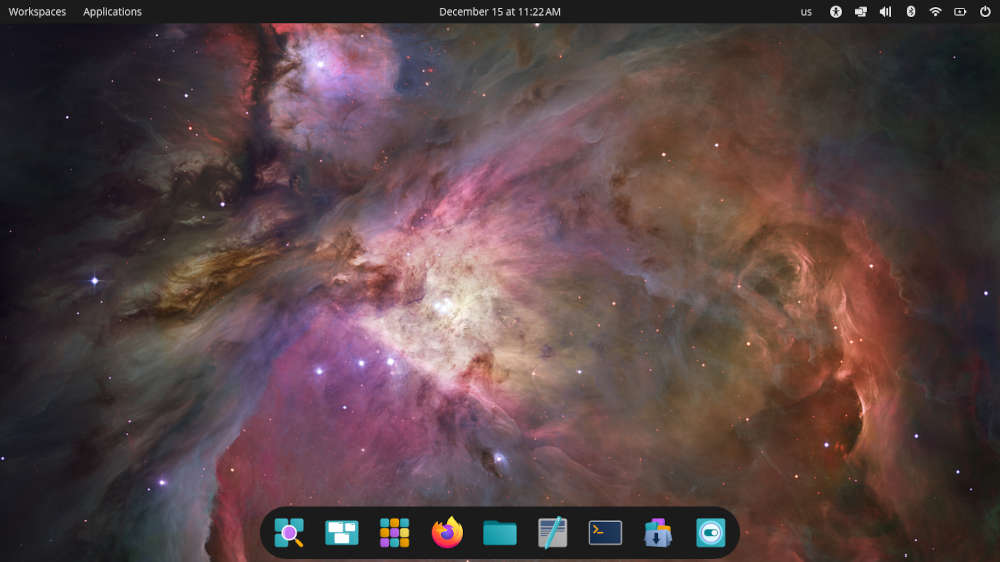
On the desktop there is a row of icons at the bottom of the screen and the upper dock provides a wide range of helpful icons on the right. With the date and time fixed squarely in the center, the workspaces and applications are off to the left, while the icons on the right — keyboard, screen, workspace, volume, Bluetooth, WiFi, battery, and power — provide drop-down menus for tweaking, if your heart desires.
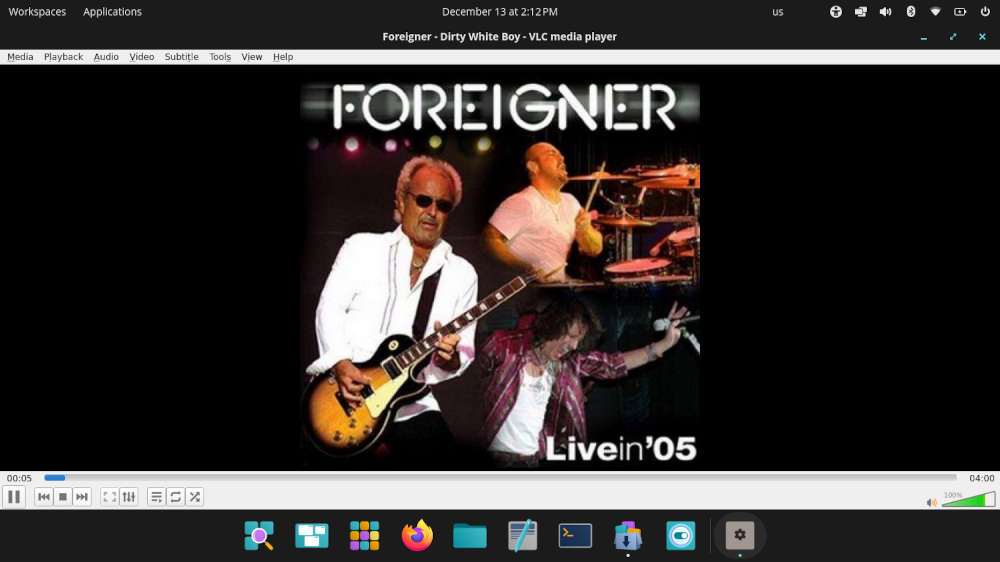
The last part of the Pop!_OS process is adding whatever apps you might want to add through the Cosmic Store. For me, it was VLC media player, the Gimp graphics editor, and we were set.
Kicking the Tires
According to Richell’s announcement on the System76 website, Cosmic provides a plethora of features that I don’t really use in my day-to-day computer operations, like keyboard shortcuts and tiling windows, among others. However, they should be mentioned for those who do use these features, and if you want a full run-down, you should look at the announcement for details.
That said, one of the great features of Cosmic is how you use it to navigate your system, once you get used to it. The learning curve is fairly simple. Windows come up and are easily navigable during multitasking. Be forewarned, however, that the layout and behavior of Cosmic differs somewhat from more traditional desktop environments, so it may take a little getting used to when uploading files to online services.
The responsiveness and speed of Cosmic while going through daily computing chores was nothing short of amazing. Emailing with Thunderbird and doing daily tasks required on the internet was handled easily by Firefox and other apps. Multitasking was a breeze, and the distro played well with cloud apps like Google Drive and Google Docs.

Final Thoughts
You have to tip your hat to System76: They’ve toiled for the last few years to make Cosmic a world-class DE, and early indications are that they have succeeded remarkably. Also, other distros have picked up the Cosmic ball, with Fedora now shipping it as an official spin.
As for the distro itself, Pop!_OS 24.04 LTS is a solid offering, easy enough for beginners, but with a lot of wiggle room for those with a little experience to dabble in this new Cosmic realm. Time will tell if Cosmic is a keeper, but by all indications it has gotten off to a great start.
Clearly this distro and desktop environment is worth a try. To download Pop!_OS 24.04 LTS, go to the Pop! page on System76’s website.
Editor’s note: An earlier version of this article erroneously indicated that full disk encryption is mandatory when installing Pop!_OS 24.04.
Do you have a distro you think would make a great feature for FOSS Force’s Distro of the Week? Don’t be shy—let us know! Offer your suggestions in the comments below (or use the “contact us” link under our masthead) and we’ll make an effort to make it so… No suggestion is too mainstream or too niche—let us know what you’d like to see!
Things I like about Pop!_OS 24.04 LTS… |
Things I don’t like about Pop!_OS 24.04 LTS… |
|---|---|
|
|
Suddenly it seems like it’s time to drop a quarter in the jukebox…


Not ready for prime time, yet!
There is no easy way to customize Cosmic Desktop in a similar way GNOME could customize with GNOME Extensions. That’s the main reason I took it off my machine. Most likely will either install Ubuntu 24.04.3 LTS or something Pop 22.04.3 LTS.
Hopefully, they’ll incorporate a better UI Tweaking component in the future otherwise it will be a deal breaker for me 🙁