
From Russia with software freedom, MiniOS Ultra 5.1 serves up a compact Debian‑based distro with an impressive range of built‑in tools. We have screenshots!
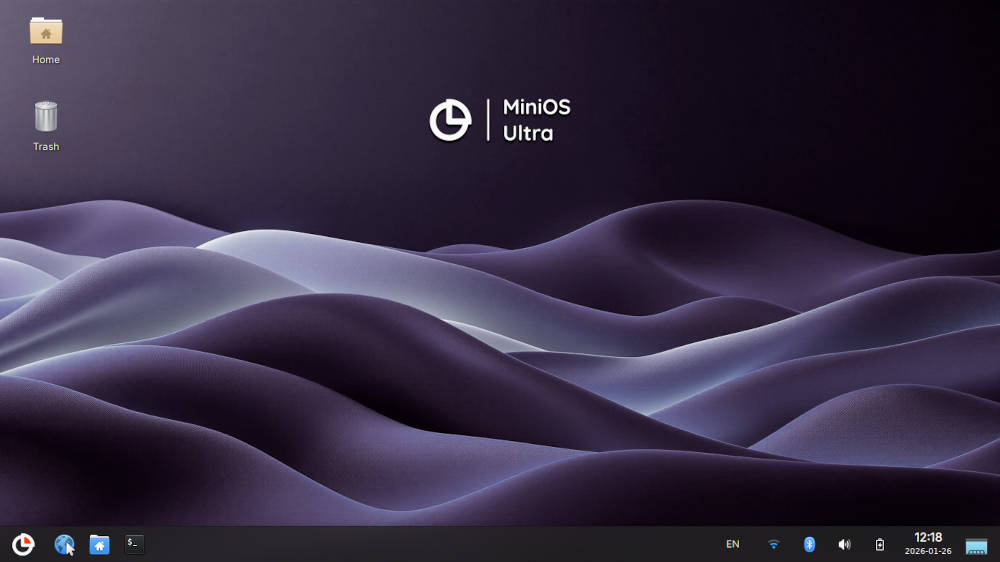
When you download a distro’s ISO and it’s only 1.7 GB in size, your first reaction might be to sigh, perhaps roll your eyes, and turn your mind to the multiplicity of software you’ll have to download post-install. However, nothing could be further from this so-called “truth” with this week’s “Distro of the Week.”
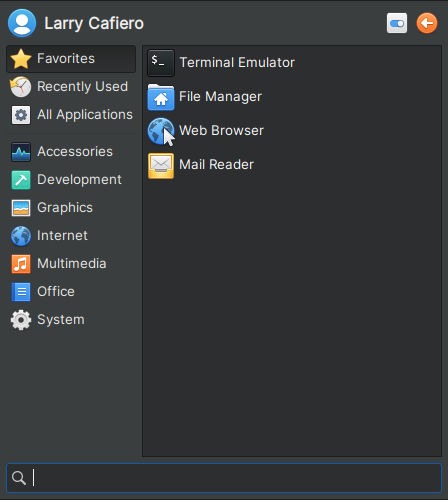
Welcome to MiniOS 5.1 Ultra, everyone.
About MiniOS
MiniOS is a Debian-based distro from Russia featuring the Xfce desktop. It comes in four flavors: Standard, which is designed for everyday computer use; Toolbox, which includes tools for system maintenance and recovery; and Ultra, which aims at providing a more extensive set of features. These three will only work on 64-bit computers.
The fourth version of MiniOS is based on the Fluxbox window manager, and it supports both 32- and 64-bit computers.
Each of the MiniOS versions is tailored for different user needs, ensuring flexibility and customization. However, for this review we’re going with the Ultra edition of the distro.

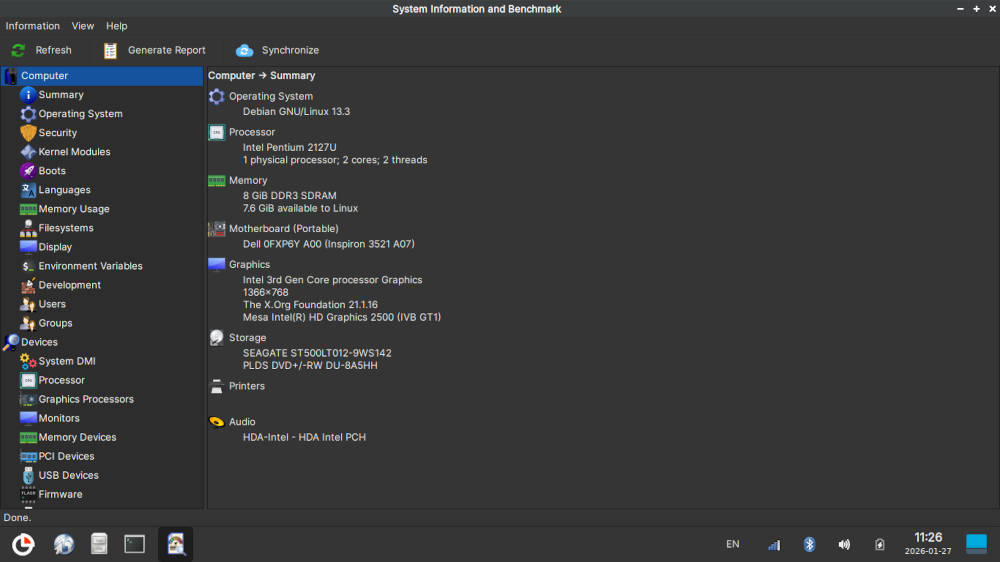
The system requirements for MiniOS Ultra 5.1 are fairly typical: A 1.5 GHz 64-bit dual-core processor, 4 GB RAM minimum (8 GB recommended), and at least 2 GB of available storage, although 8 GB or more is recommended. The distro also requires a modern GPU with hardware acceleration.
Installing MiniOS Ultra
While MiniOS can be used on the USB stick as a portable system, we installed it on our laptops using what is appropriately called the “MiniOS installer.” After booting the USB drive, we were faced with a bit of a confusing setup, but a quick trip to the installer’s page on the distro’s wiki straightened it out fairly quickly.
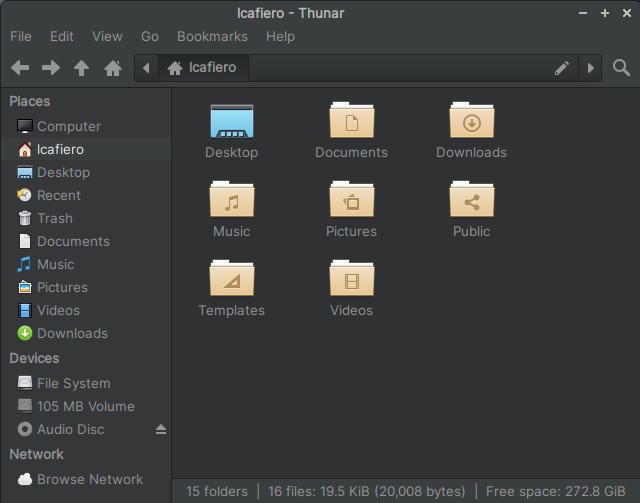
In short, you click on the “Configure MiniOS before installation” button at the bottom, and then on the various tabs at the top of the window to set up your system’s file system (ext4 for Linux), login, password, keyboard, time zone, among other things, before going back and hitting install.
With all that done, the install went fairly quickly on both laptops.
As mentioned earlier, the 1.7 GB MiniOS Ultra 5.1 ISO should not have much software available on it. However, the amount of software included on the default install was beyond impressive. Many of my personal favorites – like the Firefox ESR web browser, LibreOffice, GIMP image editor, and VLC media player – were already installed and waiting to be used.

But wait, there’s more: Both Blender and Inkscape are included in the original install, as well as Audacity to record and edit audio files, Wireshark network traffic analyzer, among a host of other software.
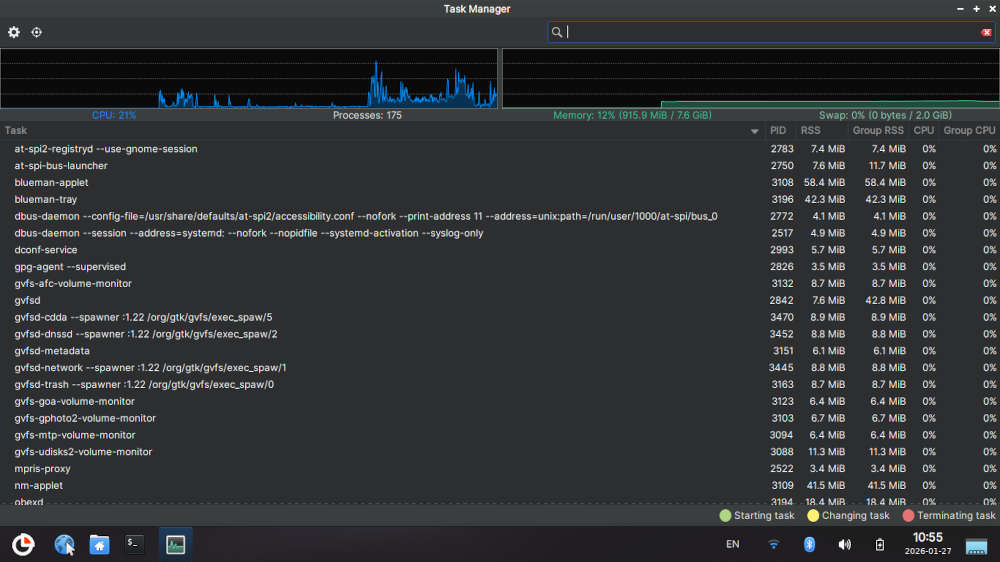
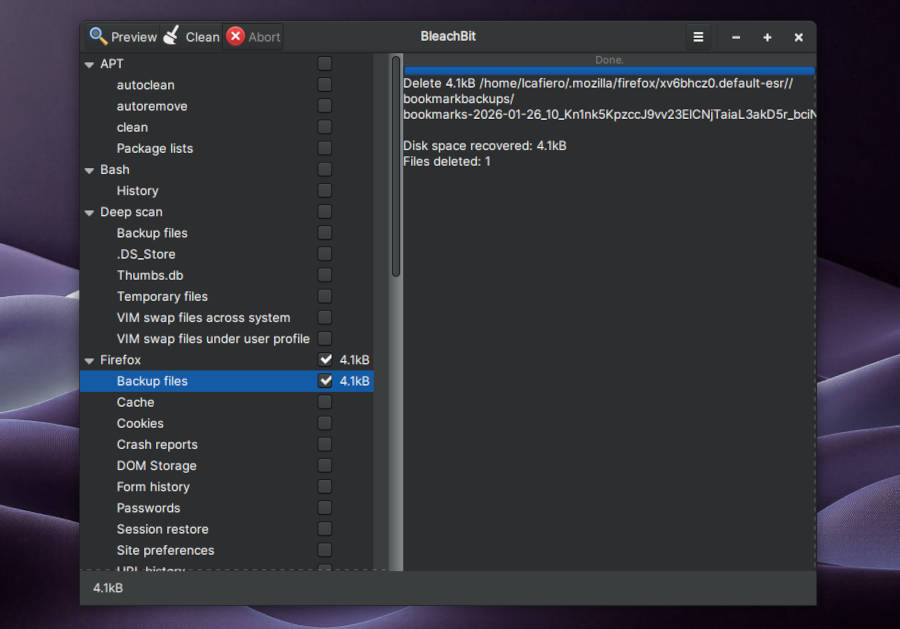
Because Ultra essentially combines the Standard version’s apps with the tools included in the Toolbox version, there is a host of tools available as well. These include such standards as Task Manager to monitor your system, Clonezilla disk restore software, GParted disk utility, and VSCodium for coding. Also included: BleachBit disk-space cleaner, QdiskInfo which provides info on your system, and more.
The one thing that was missing was an e-mail client, so after taking care of that — hello, Thunderbird — we were on our way.
Taking MiniOS for a Spin
MiniOS 5.1 Ultra comes up with the latest Xfce 4.20.1 desktop, and on the whole it’s a pretty standard configuration, with a bottom panel punctuated with icons and a menu on the lower left of the screen. On a minor note, the selection of alternative desktop backgrounds is a little sparse, with all of them being variations on the distro’s default theme, just with different hues and tints.
The performance of MiniOS 5.1 Ultra is significantly above average. Multitasking is simple and straightforward (memory use barely reached 1 GB with multiple apps running), and the Xfce interface – always a personal favorite of mine – is very clean and inviting, as expected. Tools I’ve never used before, like QDiskInfo and BleachBit, coupled with those I regularly use – like Task Manager – were uncomplicated and worked flawlessly.
MiniOS 5.1 Ultra also plays nice with web apps, making the use of Google Docs and Google Drive nothing short of perfect.
There was only one fly in the ointment in our tests. For some reason, after shutting the computer down and booting the next day the date and time reverted back to GMT from GMT -8 (that’s Pacific Time, for those of you keeping score at home). Some command-line sleight-of-hand with the timedatectl command fixed the issue, but as minor as this may be, the MiniOS developers may want to look into this for a quick fix.
Final Thoughts
Again, I was not expecting much from MiniOS when I downloaded it, but I was quite pleasantly surprised once the installation was done and I started using the distro. The number of apps included on what seemed to be a paltry ISO clearly puts other distros to shame.
The Debian base under the Xfce desktop in all of MiniOS’s versions — save for the Fluxbox window manager in MiniOS Flux — was also a good choice, thanks to Xfce’s utilitarian, yet malleable, nature. It would have been nice to have more desktop options available, but that’s a minor issue.
Despite the simplicity of Xfce-atop-Debian, MiniOS unfortunately is not for everyone.

Beginning Linux users should be aware that since there is not much in the way of documentation for MiniOS, users will be leaning heavily on Debian and Xfce forums if they run into trouble. Situations like the date/time issue — along with any other unforeseen issues that crop up — may be too much for new users to handle.
But for intermediate to experienced users, MiniOS checks all boxes and would make a good option as a daily distro, due to its remarkable performance and the number of tools available.
Downloads of all versions of MiniOS are available at the bottom of the home page of MiniOS’s website.
Do you have a distro you think would make a great feature for FOSS Force’s Distro of the Week? Don’t be shy—let us know! Offer your suggestions in the comments below (or use the “contact us” link under our masthead) and we’ll make an effort to make it so… No suggestion is too mainstream or too niche—let us know what you’d like to see!
Things I like about MiniOS… |
Things I don’t like about MiniOS… |
|---|---|
|
|
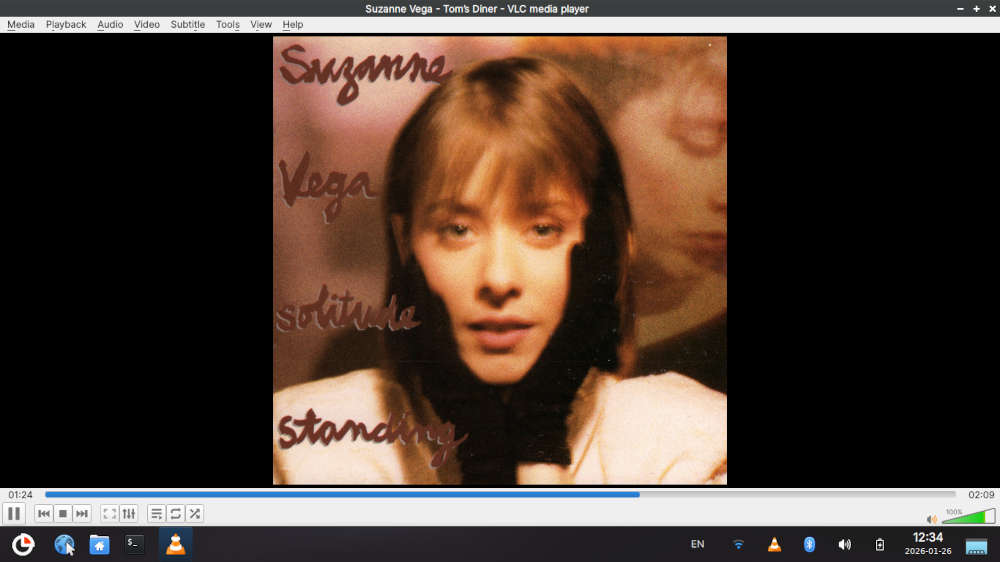
With that, we gotta go meet Suzanne Vega at Tom’s Diner…


Interesting. Looks like an immutable OS where each session is an overlay on top. I installed to disk and ran an apt update. Rebooted and selected a fresh session, which then needed the same apt update. The boot default is to resume previous session which makes sense for normal use.
Yay, a Russian distro. 🤡