
Pardus 25.0 promises a “just install and go” experience for Linux users. We test whether this Turkish distro lives up to that promise.
The FOSS Force Distro of the Week — Pardus

Quick, name for me Turkey’s national Linux operating system…
If you said Pardus, you would be right.

Pardus – the name is derived from Panthera Pardus Tulliana, the scientific designation of the Anatolian Leopard – is a Linux distribution which started with its main focus in Turkish government and public-sector environments.
Started in 2003 by the Turkish National Research Institute of Electronics and Cryptology under the watchful eye of the Scientific and Technological Research Council of Turkey, the first live CD version was a fork of Gentoo Linux in 2005. Over time, Pardus evolved from a government-sponsored project into a community-driven distribution.
Fast-forward to today, when we’re taking Pardus 25.0 Bilge — “bilge” being Turkish for “wise” — for a spin.
Released just last week — on November 24, which was Teachers’ Day in Turkey — Pardus 25.0 is based on Debian 13 Stable with Xfce 4.20.2 as its default desktop environment. It also comes with Gnome, along with a Server edition and a Raspberry Pi version.
Installing Pardus 25.0
The ISO for the Xfce version is about 3 GB, which downloaded in roughly six minutes. Minimum system requirements are on the light side: A 64-bit 1 GHz CPU (1.6 GHz recommended), 1 GB of RAM (4 GB recommended), 10 GB available storage (at least 20 GB recommended), and grapics that can support at least 1024-by-768 resolution.
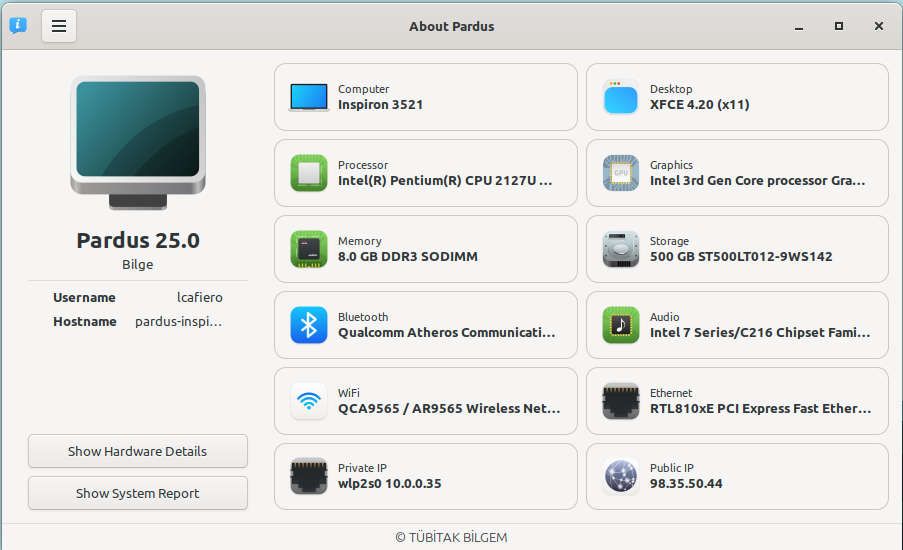
Once the ISO was on a USB drive, it was time to install the distro with YALI — “Yet Another Linux Installer” — courtesy of Pardus. The installation was very simple and straightforward, with no glitches or gotchas during the install process.
After rebooting and updating the software, we’re ready to go.
For such an average-sized ISO, Pardus manages to pack in a lot of software in its default installation. Not only are there a plethora of software tools available, but it includes both Firefox ESR — the browser’s long-term release build that gets major feature updates about once a year instead of ever four months — and the Evolution e-mail client.

In addition, the default installation also included such popular programs such as the Gimp graphics editor, the VLC media player, and LibreOffice. For the first time in quite some time, there was literally nothing to add, because all the apps I need are already installed.
Kicking the Tires on Pardus 25.0
One of the first things a user might notice about Pardus is the clean design of the Xfce desktop. The bottom panel contains a variety of icons that are convenient for day-to-day use. The menu is activated with a click on the far left, while a variety of icons – including the WiFi, Updater, Bluetooth, Power Manager, Volume, Battery, Notification, Date/Time and Logout – all sit dutifully on the right.
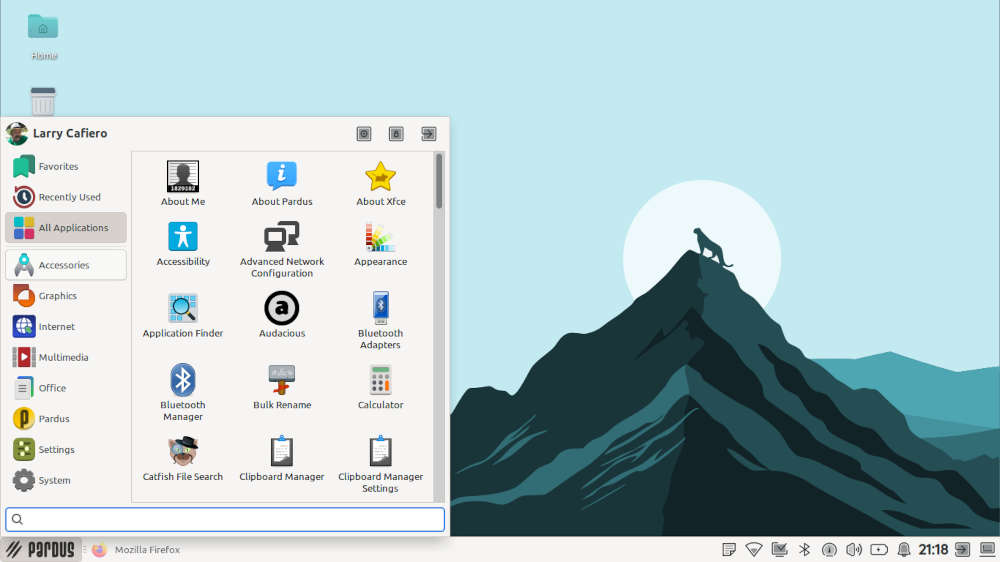
Again, because Pardus comes with essentially all the software a user could possibly need installed by default, adding software becomes unnecessary. Or you can make it a shopping spree if you lean that way. Because the distro is based on Debian, you can apt-get your way through the terminal, but the Pardus Software center provides a much easier way to go about downloading software and installing.
Because all the software bases were covered in this distro, I thought I might have a little fun downloading a flight simulator to see how my pilot chops hold up. Spoiler alert: they don’t.
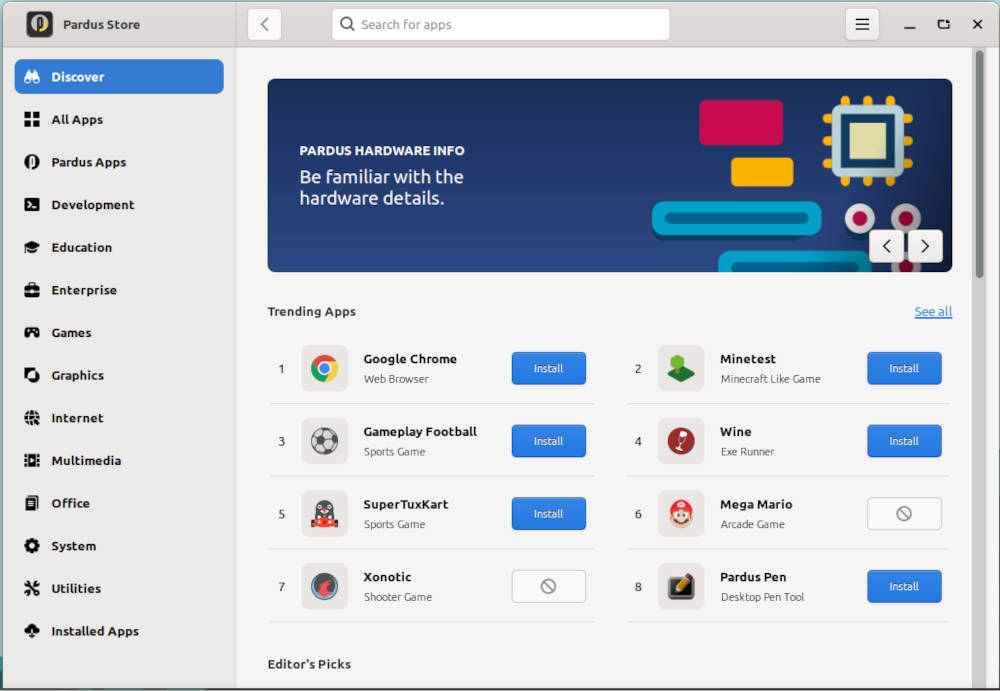
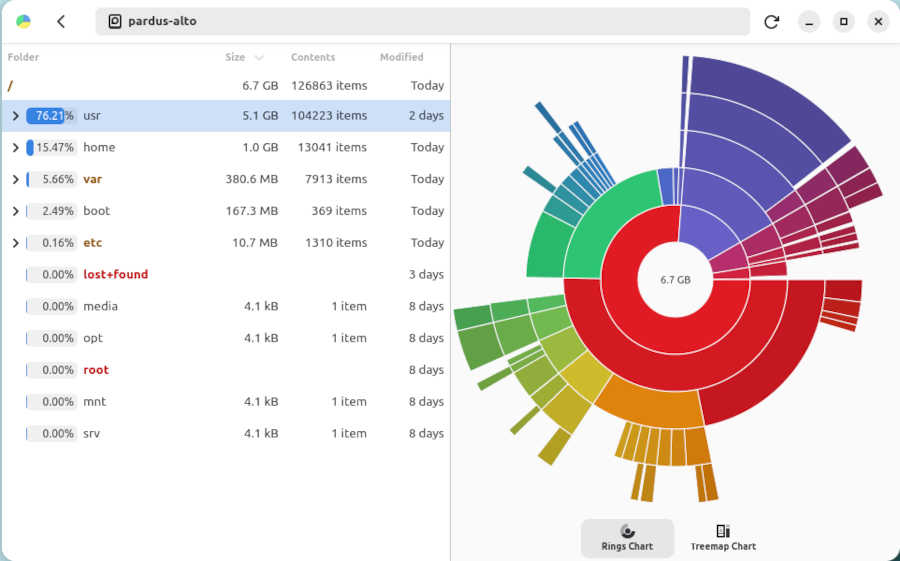
Pardus 25.0 handled daily multitasking duties with ease, hardly breaking a sweat, which incidentally I could monitor thanks to a sensor-viewer tool in the Systems menu. Going back and forth between software in day-to-day use was simple, and the distro played well with web apps such as Google Docs and Google Drive.
To the distro’s credit, the combination of useful apps and tools make Pardus a distro where a user’s curiosity might be piqued enough to take a deeper dive into the distro itself. For example, one of the many tools that comes with Pardus is the Pardus Image Writer, for creating bootable USB drives. In a first for yours truly, I used this app to make the USB drive for what could possibly be next week’s Distro of the Week.
Final Thoughts
Like how gravity works or the ending of the movie “2001: A Space Odyssey,” one of life’s mysteries is why Pardus isn’t near the top of the list of all-time great distros. Maybe the fact that Turkey is not exactly a known FOSS hotbed is what’s hamstringing it from getting a wider international audience.
Pardus 25.0 performed remarkably this week, passing each test easily with flying colors. It was an absolute joy to use and it did not falter for an instant, meaning it would be suitable to use across the spectrum in the Linux universe. Beginners should feel at home with the amount of easily usable software Pardus provides right off the bat, and more experienced users will appreciate the wealth of tools it has to offer. Both the new user and the grizzled graybeard will appreciate Pardus’s clean look and nimble responsiveness.
Pardus 25.0 deserves a shot, even if you’re set in your Linux ways. You can download it from the Pardus download page on the project’s website.
Do you have a distro you think would make a great feature for FOSS Force’s Distro of the Week? Don’t be shy—let us know! Offer your suggestions in the comments below (or use the “contact us” link under our masthead) and we’ll make an effort to make it so… No suggestion is too mainstream or too niche—let us know what you’d like to see!
Things I like about Pardus… |
Things I don’t like about Pardus… |
|---|---|
|
|
…and now, how ’bout some Peter Frampton from before he was a solo star?


One thing that I haven’t seen outside Zorin, is that the Pardus GNOME version has a look switcher to emulate other desktops. And in Zorin you must pay (or “donate”) for the professional edition to have access to all of them–not the case with Pardus.
Here is the English translation:
—
Hello, there is a small mistake that needs correction in the article. Pardus’ default desktop environment is GNOME, not XFCE. XFCE continues to be offered as an alternative for lower-end hardware. Using Pardus with GNOME provides a much more compatible and pleasant experience because Pardus-specific programs and screens are designed with the GTK library. The GNOME edition is much more visually appealing and modern.
In addition, the GNOME edition offers users ready-made desktop layout experiences such as *“XP Style”, “Win 11 Style”, “Mac Style”, “Pardus Style”*, etc., in order to match their familiar workflows, in addition to standard customization options.
I recommend that you also try Pardus with the GNOME edition.