
AnduinOS 1.4.2 pairs Ubuntu’s already easy-to-use foundation with a heavily customized GNOME desktop and Flatpak apps to ease the transition from Windows to Linux.
To the untrained observer, this week’s Distro of the Week could very well touch the border of irony. AnduinOS was created, and is currently maintained, by Anduin Xue, a Hong Kong-based former software engineer at Microsoft. Yes, Microsoft — the corporation that brought you such classics as Windows ME, Windows Vista and Windows 11.
Based on Ubuntu but with Snap support removed, AnduinOS’s primary goal is to make the transition from Windows to Linux simple. The distro is no slouch in the popularity department, ranking 11th in Distrowatch’s page-hit rankings for the last six months.
As for minimum system requirements, the latest version, AnduinOS 1.4.2, requires a 2 GHz or better 64-bit processor, 4 GB RAM, 20 GB of available storage, and 1024×768 screen resolution. Recommended, however, is 8 GB RAM, 50 GB of disk space, and a 2560×1440 screen resolution with a 27-inch screen.
A 27-inch screen? While we’re wishing for things, I’d also like a Ferrari.
Downloading and Installing AnduinOS
The 2 GB ISO was an easy download, and once it was transferred to a USB drive, we began the installation process. Being Ubuntu-based, the installer is standard-issue Ubiquity, Canonical’s mainstay through 2023 when it was replaced with the Flutter‑based Ubuntu Desktop Installer. Ubiquity asked various questions and set up the drive before asking for name/password preferences. For some reason, the installation process seemed to be faster than with other distros in the recent past.
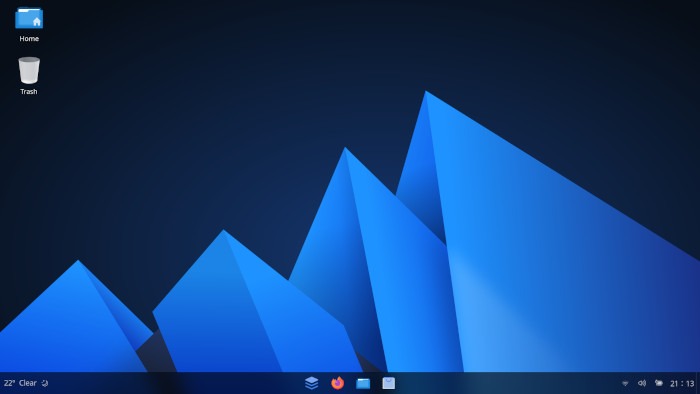
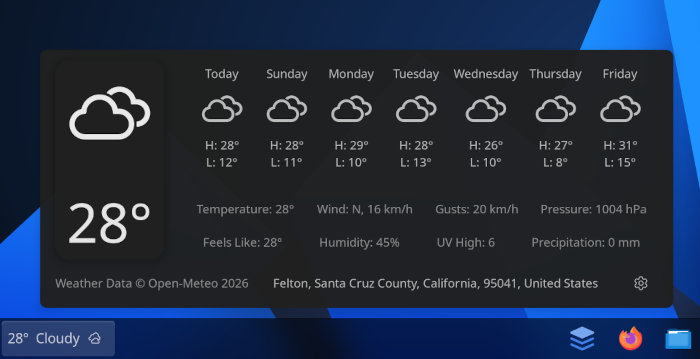
Anduin’s Gnome desktop presentation is highly tweaked to make it more Windows-like, an example being no “welcome window” as some distros provide. The Windows similarities mimic Microsoft’s desktop rather than offer an exact duplicate: the applications menu is located in the center of the panel that runs along the bottom of the screen, with a weather applet in the bottom left corner where Windows Start button would be, and quick access to Wi-Fi, Bluetooth, and more on the panel’s right.
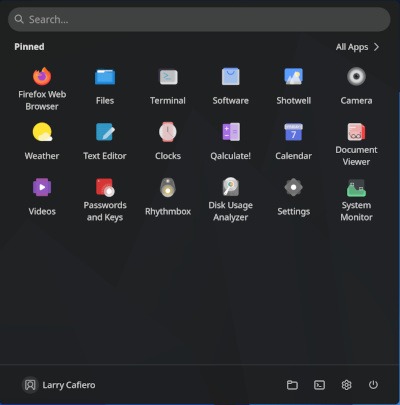
As for software installed by default, AnduinOS 1.4.2 is a little on the light side. There is the latest Firefox browser and Rhythmbox for playing music, along with a slew of Gnome tools, but other than that, the app selection is mainly slim pickings. That’s by design, and part of the distro’s philosophy, and many users like it that way, although I would prefer more apps included in the installation.
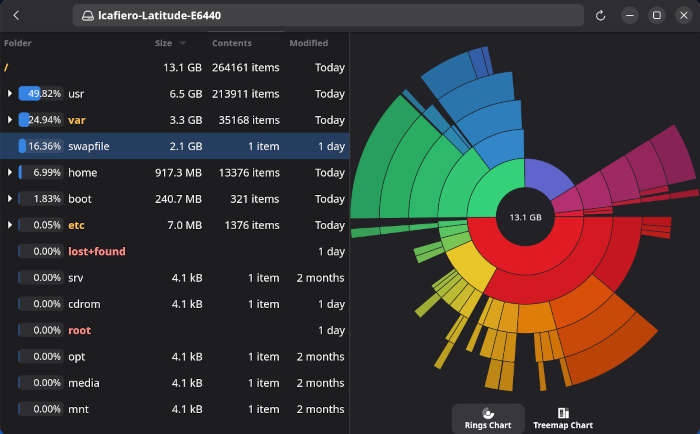
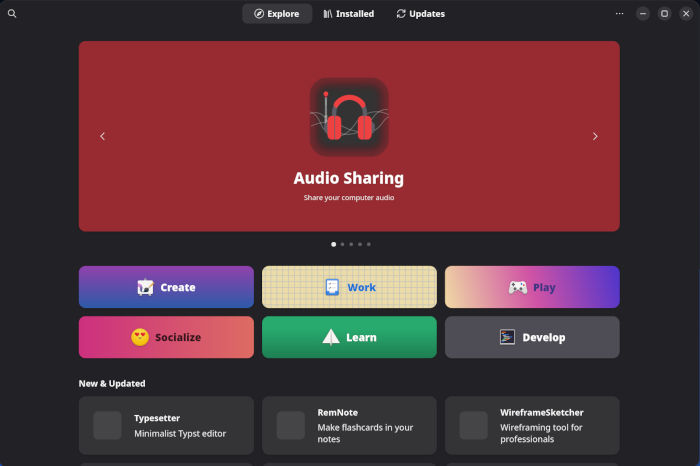
That left it up to Software, Gnome’s utility for installing software, to pick up a few apps. Specifically, I added Thunderbird for email, the VLC media player, LibreOffice, as well as some minor pieces like Gnome-Tweaks — a minor detail, but it seems to be the only way to get an Adwaita cursor on a Gnome DE these days — and Mugshot, and I was ready to go.
Another note: While the software that ships pre-installed on AnduinOS is installed the old fashioned way for a Debian-derivative, from deb files, the Gnome Software app has been configured by default to install Flatpaks from Flathub — which may or may not be to your liking.
Kicking the Tires
While the selection of background images in AnduinOS is somewhat limited to only two photos — both of which are essentially the same — the default desktop showed clean lines which were both organized and functional. There are some things that took a little getting used to, like the Anduin icon used to access the application menu in the center of the lower panel instead of on its left side where it typically sits on most distros. However, the weather icon on the lower left is a nice touch that makes the distro’s interface unique.

Speaking of Windows similarities, the reboot sequence after the post-installation update and every subsequent update thereafter (to be fair, there were only two this week), seemed to mirror the updates in Windows, with its “updating the system” message above a progress bar.
AnduinOS 1.4.2 did not disappoint as far as performance is concerned. Software was easy to find from the menu, and opening and using several apps at a time was handled with ease – making that an easy check mark for multitasking goodness.
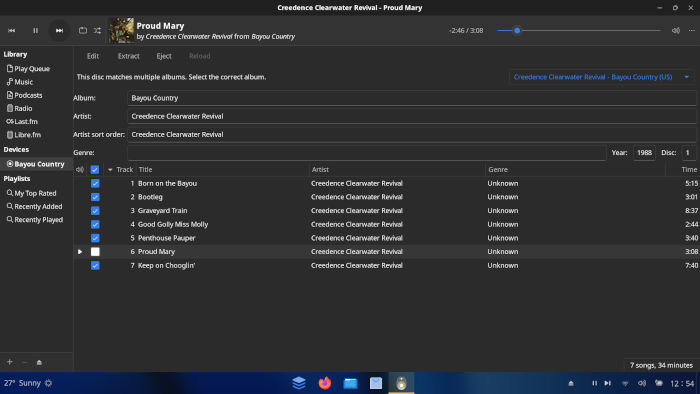
Daily tasks like emailing and visiting various internet and social media sites – all while listening to a little Creedence Clearwater Revival – barely pushed the needle over 2 GB of RAM use. As for using the distro with web apps like Google Docs and Google Drive, AnduinOS 1.4.2 behaves quite well – almost seamlessly – with file transfers being as near perfect as possible.
Final Thoughts
First, let’s give credit where credit is due: Anduin Xue — who maintains the project completely on his own and funds it entirely from his own pockets — has created a solid distro with the sole purpose of assisting users dissatisfied with the product provided by his former employer. Not only that, he has done so in a manner that is easy for Windows users to pick up, annihilating the myth that Linux is too hard for the average computer user. That’s no small feat.
Outside of that, AnduinOS 1.4.2 could be one of the most ideal distros for beginners that we have tested to date. Going beyond the look and feel of the modified Gnome desktop, the distro seems to focus on the little things to help new Windows users along, to the point that former Microsoft users also would be right at home — drilled all the way down to the update window.

While I’m not a big fan of the Gnome desktop, AnduinOS 1.4.2’s adaptation is clean and functional. It would be hard to imagine another DE sitting atop the Ubuntu engine that’s running under the hood.
Also, while AnduinOS 1.4.2 is aimed primarily at Windows refugees, it also offers much to those who have been around the Linux block a few times. There is much potential in the distro for the greybeards among you, and remember, the Software app is your friend when it comes to installing new software, as long as you’re OK with Flatpaks.
Whatever your Linux experience level might be, AnduinOS 1.4.2 is clearly worth a look. Download the ISO at the AnduinOS website’s downloads page.
Do you have a distro you think would make a great feature for FOSS Force’s Distro of the Week? Don’t be shy—let us know! Offer your suggestions in the comments below (or use the “contact us” link under our masthead) and we’ll make an effort to make it so… No suggestion is too mainstream or too niche—let us know what you’d like to see!
Things I like about AnduinOS… |
Things I don’t like about AnduinOS… |
|---|---|
|
|
Suddenly, we feel like taking a trip down on the Louisiana bayou with some California boys…



This one will join the distros that strive to make things easy for the generations of Window migrants.
I’ve often thought that Linux Mint’s editions were a lot like Windows XP, but without the “Fisher-Price” color scheme. ZorinOS more like Windows 7. Now we have Anduin, which looks like Windows 11.
Fow some reason, there were no Windows 8 or Windows 10 look-alikes. Probably because those tiles were a bridge too far for distro makers to replicate.